
Stop the Pops, Reduce the Crackle, and Bring Back Smooth Vinyl Playback
Hearing scratchy, crackling, or popping sounds from your turntable can ruin the warm, immersive experience vinyl is known for. Whether those noises come from dirt, static, a worn stylus, or issues with the turntable itself, the good news is this:
Scratchy playback is almost always fixable.
This guide covers every major cause of scratchy sound—and exactly how to eliminate it.
1. Identify What Kind of “Scratchy” Noise You Hear
Not all scratchy sounds mean the same thing. Determine which one you’re dealing with:
- Light crackle: Usually dust or static
- Loud, sharp pops: Debris deep in grooves or minor scratches
- Constant scratchiness: Dirty stylus or worn needle
- Rumbling or grinding: Possible mechanical issue or damaged record
- Sibilance or distortion: Tracking force or cartridge alignment problems
Once you identify the noise type, fixing it becomes much easier.
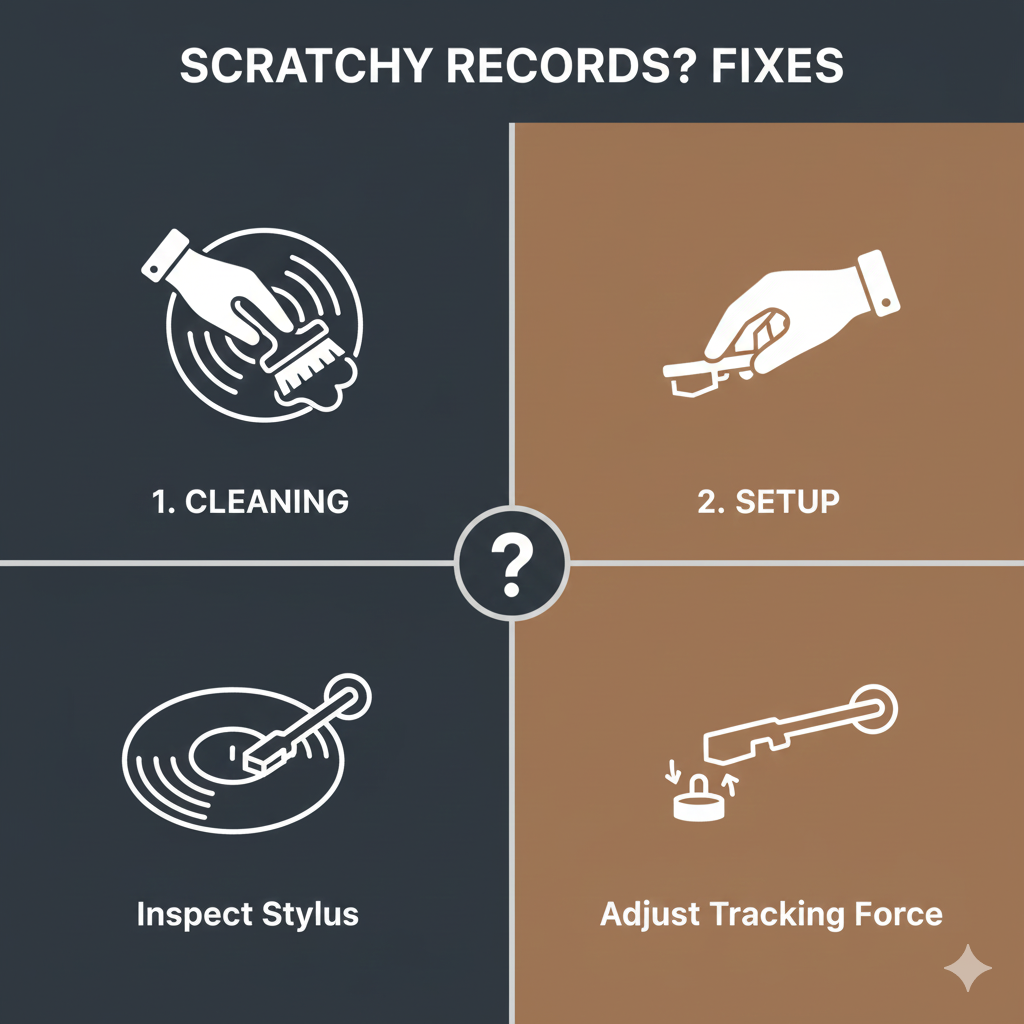
2. Clean the Record Properly (Most Common Fix)
Dirty records cause up to 80% of scratchy noise.
Quick wipe → NOT enough
Use a proper cleaning method:
✅ Best Methods
- Carbon fiber brush for dry dust
- Record cleaning solution + microfiber cloth
- Spin-clean bath system
- Vacuum RCM or ultrasonic cleaner (most effective)
Why cleaning helps:
- Removes dust stuck deep in grooves
- Prevents the stylus from dragging debris
- Reduces both pops and continuous crackle
A clean record is the easiest path to quiet playback.
3. Clean or Replace the Stylus
A dirty or worn stylus exaggerates every noise on the record.
Signs your stylus is causing scratchiness:
- Playback sounds harsh or distorted
- High-frequency crackle feels “sharp”
- Stylus collects dust balls easily
Fixes:
- Clean with a stylus brush (always back-to-front strokes)
- Use a stylus gel cleaner for deep cleaning
- Replace the stylus if:
- It’s been used 400–800 hours
- It looks bent or dull
- Music sounds distorted or sibilant
A fresh stylus can make your turntable sound brand new.
4. Reduce Static Electricity
Static builds up when vinyl or air is dry. This creates crackling during quiet passages.
How to reduce static:
- Use an anti-static brush before every play
- Store records in anti-static inner sleeves
- Use a Zerostat antistatic gun for stubborn static
- Keep room humidity between 40–55%
- Avoid felt mats — use cork, rubber, or leather instead
Static is often mistaken for “scratches,” but it’s completely fixable.
5. Check Tracking Force & Tonearm Setup
Incorrect tracking makes the stylus ride too lightly (causing crackle) or too heavily (causing distortion).
What to check:
- Tracking force: Use a digital scale to match the cartridge manufacturer specs
- Anti-skate: Should match tracking force
- Cartridge alignment: Misalignment can cause fuzzy, scratchy audio
A properly set tonearm reduces noise and improves clarity dramatically.
6. Inspect the Record for Actual Scratches
Sometimes the problem is physical damage.
Light scratches:
- Cause intermittent pops
- Often improved by wet cleaning
- Usually safe to play
Deep scratches:
- Cause repeating pops in the same spot
- May cause the stylus to jump
- Cannot be fully repaired
If only certain tracks sound bad, the record may be scratched—not the turntable.
7. Upgrade Key Components (If Needed)
If your turntable is extremely entry-level, scratchiness may be caused by cheap parts.
Helpful upgrades:
- Better cartridge/stylus (biggest sound improvement)
- Heavier platter (reduces resonance)
- Rubber or cork mat
- Isolating feet or platform for vibration control
These upgrades reduce unwanted noise without replacing your whole system.
Final Verdict: How to Make Your Record Player Less Scratchy
To eliminate scratchy playback, follow this simple order:
1. Clean the record
2. Clean or replace the stylus
3. Reduce static
4. Check tracking force & alignment
5. Improve sleeves, mats, and isolation
6. Inspect for real scratches
In most cases, scratchiness disappears after cleaning and correct setup—no expensive upgrades needed.
Enjoy smoother, quieter, richer vinyl playback.