
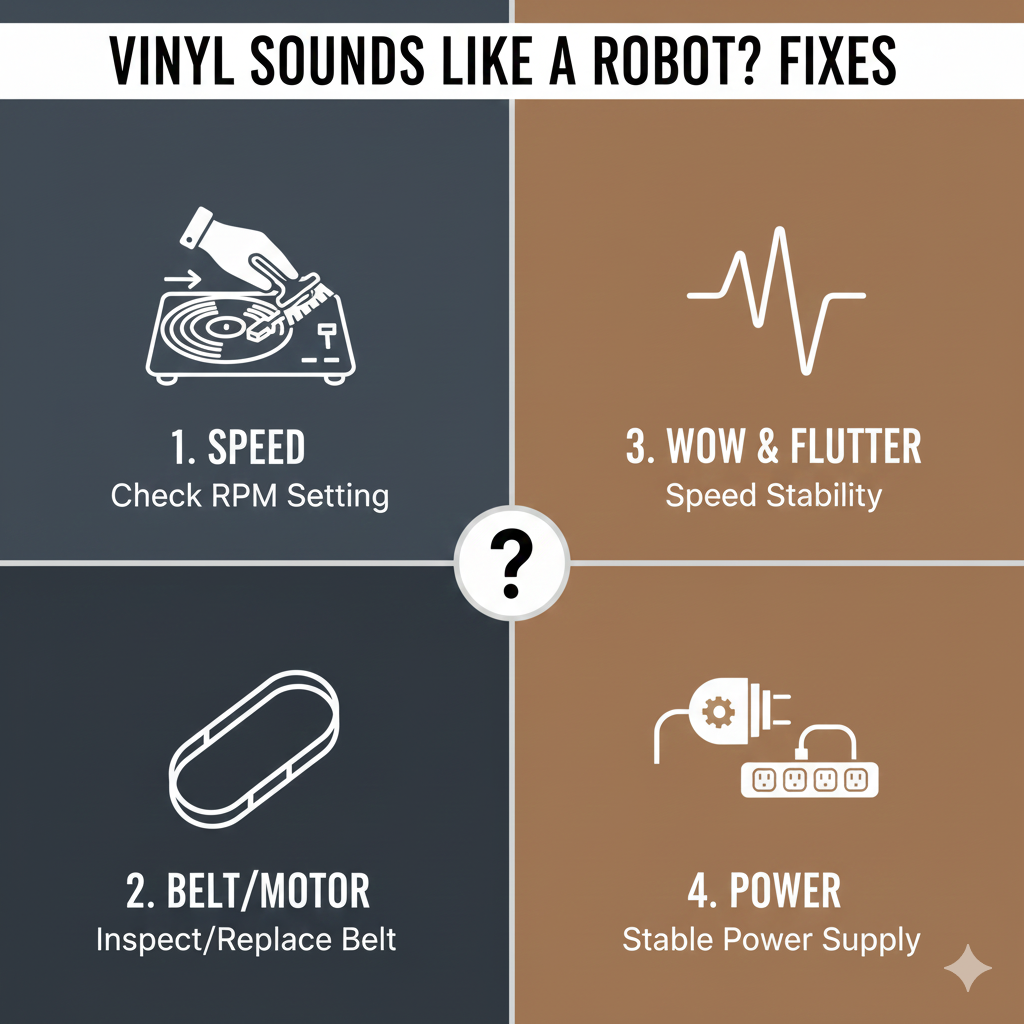
Vinyl playback is loved for its warmth, richness, and analog charm — so when your record suddenly sounds robotic, metallic, or strangely digital, it can be both confusing and frustrating. Fortunately, “robotic vinyl sound” is almost always caused by a few identifiable issues with your turntable setup, cartridge, or the record itself.
Below are the most common causes and exact fixes to help you restore that smooth, natural analog sound.
1. Wrong Turntable Speed (33⅓ vs 45 RPM)
If your turntable is spinning too fast or too slow, vocals and instruments will sound artificial, warbly, or “robotic.”
✔ Why it happens
-
Belt slipping
-
Incorrect RPM selection
-
Motor instability
-
Dirty speed selector
✔ How to fix
-
Make sure the speed matches the record (33⅓ for LPs, 45 for singles).
-
Clean or replace the belt.
-
Switch the speed button repeatedly to clear internal oxidation.
2. Bad or Worn Stylus (Needle Damage)
A worn or dirty stylus can’t track grooves properly, causing distortion that often sounds robotic or metallic.
✔ Signs of a worn stylus
-
High-pitched distortion
-
Harsh “robot” vocals
-
Sibilance (“S” sounds tearing)
✔ Fix
-
Clean your stylus with a proper brush.
-
If it’s been more than 500–1,000 hours of play, replace it immediately.
3. Incorrect Tracking Force
If your tonearm is too light or too heavy, the stylus won’t move correctly inside the grooves.
✔ Why it sounds robotic
Incorrect tracking creates uneven contact, which results in:
-
Warbling
-
Metallic echo
-
Robotic glitch-like sound
✔ Fix
-
Check your cartridge manufacturer’s recommended tracking force.
-
Use a stylus gauge to set it precisely.
4. Anti-Skate Problems
Anti-skate keeps the stylus centered. When it’s off, the sound shifts or distorts in a very artificial way.
✔ Signs
-
Sound leaning heavily to left or right
-
Robotic distortion during loud or complex passages
✔ Fix
-
Match anti-skate value to tracking force
-
Adjust slowly while listening
5. Dirty or Damaged Records
Dust, scratches, or groove wear can cause glitchy, robotic artifacts.
✔ Fix
-
Use a carbon fiber brush before every play
-
Deep-clean with a record cleaning solution or ultrasonic cleaner
-
For badly worn records, consider replacing them
6. Cartridge Alignment Issues
If your cartridge is misaligned, the stylus will track at the wrong angle — producing distortion that many describe as robotic.
✔ Fix
-
Use a cartridge alignment protractor
-
Ensure correct overhang and offset angle
-
Re-tighten screws evenly
7. Cheap Built-in Preamp or Bad Phono Stage
Entry-level turntables often include a low-quality built-in preamp.
A failing or noisy preamp can introduce:
-
Harsh, compressed sound
-
Metallic, electronic artifacts
-
“Digital” or “robotic” character
✔ Fix
-
Switch to external phono preamp if possible
-
If your turntable has a “Phono/Line” switch, try the other setting
8. Bluetooth Latency or Compression (If Using Wireless Speakers)
Bluetooth is digital, and heavy compression can cause:
-
Robotic vocals
-
Metallic shimmer
-
Distorted high frequencies
✔ Fix
-
Use wired speakers or a wired amplifier
-
Avoid low-quality BT codecs (e.g., SBC)
-
Use aptX, LDAC, or LC3 for better quality (if your gear supports it)
Quick Diagnostic Guide
| Symptom | Likely Cause | Fix |
|---|---|---|
| Vocals sound metallic/robotic | Worn stylus | Replace stylus |
| Music sounds too fast/slow | Wrong RPM | Set correct speed |
| Distortion on loud parts | Tracking force / anti-skate | Adjust tonearm |
| Robotic echo with Bluetooth | BT compression | Use wired setup |
| Scratchy robotic noise | Dirty record | Clean record |
Final Thoughts
When vinyl suddenly sounds like a robot, it’s almost always caused by an issue in the mechanical chain: stylus, tonearm, speed, or record condition. The good news is that most fixes are simple and inexpensive — often requiring only a quick adjustment or cleaning.