
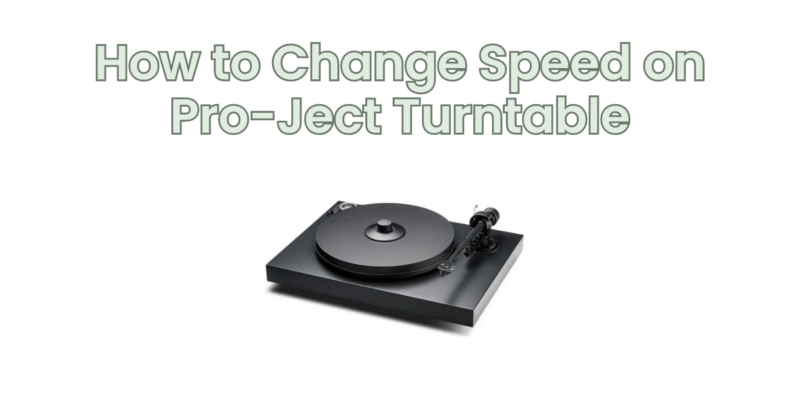
Pro-Ject turntables are known for their quality and precision, offering various speed options to accommodate different vinyl records. If you need to change the speed on your Pro-Ject turntable, whether to switch between 33 1/3 RPM and 45 RPM or adjust to a different speed setting, follow this step-by-step guide for a smooth and accurate speed change.
Step 1: Power Off the Turntable: Before making any adjustments, ensure that the turntable is powered off. This will prevent any accidental damage or mishaps during the speed change process.
Step 2: Locate the Speed Control Switch: Locate the speed control switch on your Pro-Ject turntable. Depending on the model, the switch may be located on the front, side, or underside of the turntable. Consult the user manual or documentation for your specific model if you are unsure about the location.
Step 3: Identify the Speed Options: Determine the available speed options on your Pro-Ject turntable. The most common speeds are 33 1/3 RPM (revolutions per minute) and 45 RPM, but some turntables may also offer additional speed settings like 78 RPM for playing older vinyl records. Make a note of the speed options available on your specific turntable model.
Step 4: Adjust the Speed Control Switch: Using your fingers or a small tool, move the speed control switch to the desired speed setting. The switch may have clear labels indicating the different speeds or use symbols such as “33” and “45” to represent the RPM options. Gently push or slide the switch to the appropriate position for the desired speed.
Step 5: Confirm the Speed Setting: Once you have adjusted the speed control switch, double-check the position to ensure it corresponds to the desired speed. Some turntables may have a visual indicator or markings near the switch to confirm the selected speed. Take a moment to verify that the switch aligns with the desired speed setting.
Step 6: Power On and Test the Speed: Turn on the Pro-Ject turntable and place a vinyl record on the platter. Start playback and listen carefully to the audio. Ensure that the record is playing at the correct speed by comparing it to the original recording or other reference sources. You can also use a separate RPM speed measurement tool to confirm the accuracy of the turntable’s speed.
Step 7: Fine-Tuning the Speed (if necessary): If you find that the speed is slightly off, requiring fine-tuning, some Pro-Ject turntables offer adjustable speed controls. Refer to the user manual for your specific model to learn how to make small speed adjustments, typically done through a trim potentiometer or similar mechanism.
Step 8: Repeat the Process for Different Speeds: If you need to switch to a different speed setting, repeat steps 1-7 to change the speed on your Pro-Ject turntable accordingly. Power off the turntable, locate the speed control switch, adjust it to the desired speed, confirm the setting, power on the turntable, and test the speed accuracy.
It’s important to note that the specific steps and methods for changing speed may vary slightly depending on the model of your Pro-Ject turntable. Always refer to the user manual and documentation provided by Pro-Ject for accurate and model-specific instructions.
In conclusion, changing the speed on a Pro-Ject turntable is a straightforward process. By following these steps and consulting the user manual for your specific model, you can easily switch between different speeds or fine-tune the speed to ensure accurate playback. Enjoy your vinyl collection at the desired speed and experience the best audio quality from your Pro-Ject turntable.