
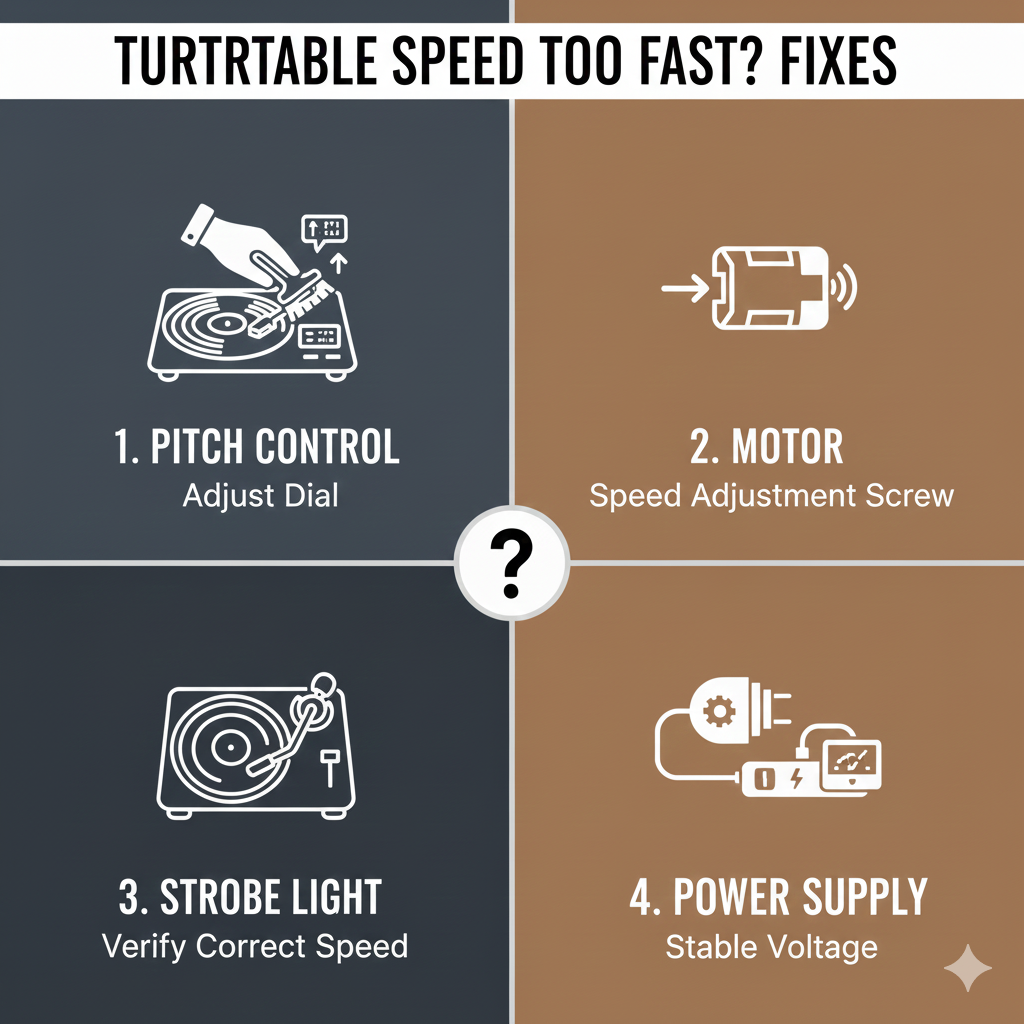
The Complete Guide to Speed Problems, Causes, and Simple Fixes
If your turntable is playing music too fast — making vocals sound high-pitched or giving your favorite album a chipmunk effect — you’re dealing with one of the most common vinyl playback issues: incorrect platter speed.
The good news? A turntable spinning too fast is usually easy to diagnose and fix, even for beginners.
This guide covers every major cause, how to test your turntable’s accuracy, and step-by-step solutions.
1. How to Tell If Your Turntable Is Spinning Too Fast
You may notice:
- Music sounds higher in pitch
- Songs finish sooner than expected
- Drums and vocals sound unnaturally energetic
- A 33⅓ RPM record feels like it’s at 45 RPM
To confirm, use a strobe disc or a strobe app on your phone. If the strobe pattern moves forward, your platter is running fast.
2. Common Reasons a Turntable Spins Too Fast
Turntables speed up for only a handful of reasons. Knowing the cause makes your fix simple.
A. Worn or Loose Belt (Belt-Drive Turntables)
A stretched belt may slip inconsistently and cause speed errors.
B. Wrong Belt Size
An incorrect replacement belt can cause the platter to rotate too quickly.
C. Dirty or Sticky Speed Selector
Dust and oxidation inside the RPM switch disrupt the internal speed control circuit.
D. Dry or Dirty Motor Pulley
If the motor pulley gets dirty or polished smooth, friction changes can affect speed.
E. Quartz Lock Failure (Direct-Drive Turntables)
If the quartz lock stops regulating speed, the platter may drift fast.
F. Incorrect Pitch Control Setting
A pitch slider accidentally moved a few millimeters can throw off the speed.
3. How to Fix a Turntable That Spins Too Fast
Below are the most common fixes — start at the top and work your way down.
1. Clean and Refresh the Speed Selector Switch
Dust or oxidation inside the 33/45 button is one of the top causes of fast spinning.
How to fix it:
- Press the 33/45 button repeatedly 20–30 times.
- Rotate any speed knobs back and forth.
- Power the turntable off and on again.
This simple step fixes about 70% of electronic speed issues.
2. Check (and Replace) the Belt
For belt-drive models, a worn belt often slips or grips incorrectly, causing fast rotation.
Signs you need a new belt:
- Belt feels loose or floppy
- Belt looks shiny or cracked
- Speed fluctuates or stays consistently fast
Fix:
Replace it with the exact model-specific belt — too thick or too thin will alter speed.
3. Clean the Motor Pulley and Inner Platter Rim
Dirt on the pulley or platter can cause incorrect belt traction.
How to clean:
- Use isopropyl alcohol (90%+)
- Wipe the motor pulley gently
- Clean the inner platter rim where the belt rides
Never lubricate these areas — lubrication causes speed errors.
4. Reset the Pitch Control
On turntables with pitch adjustment, even a tiny bump can change speed.
Fix:
- Slide pitch to 0%
- Engage Quartz Lock (if available)
- Clean the slider with compressed air if it feels sticky
5. Replace or Service the Internal Speed Control (Advanced)
If none of the above helps, the internal pitch/speed circuit may need servicing.
Common on:
- Older Technics
- Vintage belt-drive models
- Cheap modern decks with unstable motors
A technician may clean or replace:
- The pitch potentiometer
- Motor control IC
- Quartz lock components
4. Special Notes for Different Types of Turntables
Belt-Drive
Most “spinning too fast” cases are due to:
- Bad belt
- Wrong belt size
- Dirty pulley
- Speed selector oxidation
Direct-Drive
Common causes:
- Pitch slider drift
- Quartz lock malfunction
- Dirty speed control contacts
USB or Cheap All-in-One Turntables
If the motor is poorly regulated, the only fix may be:
- Internal calibration
- Or upgrading the turntable entirely
5. How to Prevent Speed Problems in the Future
- Replace belts every 1–3 years
- Use a dust cover to protect the speed controls
- Avoid storing turntable in humid or dusty areas
- Keep pitch at 0% unless intentionally adjusting
- Play your turntable at least monthly to keep the motor stable
Final Verdict: You Can Fix a Fast-Spinning Turntable
Most speed issues have simple, affordable solutions:
Start with:
- Cleaning the speed selector
- Replacing the belt
- Resetting pitch control
If the problem persists, internal electronics may need attention — but in most cases, you can fix a fast-spinning turntable yourself in minutes.