
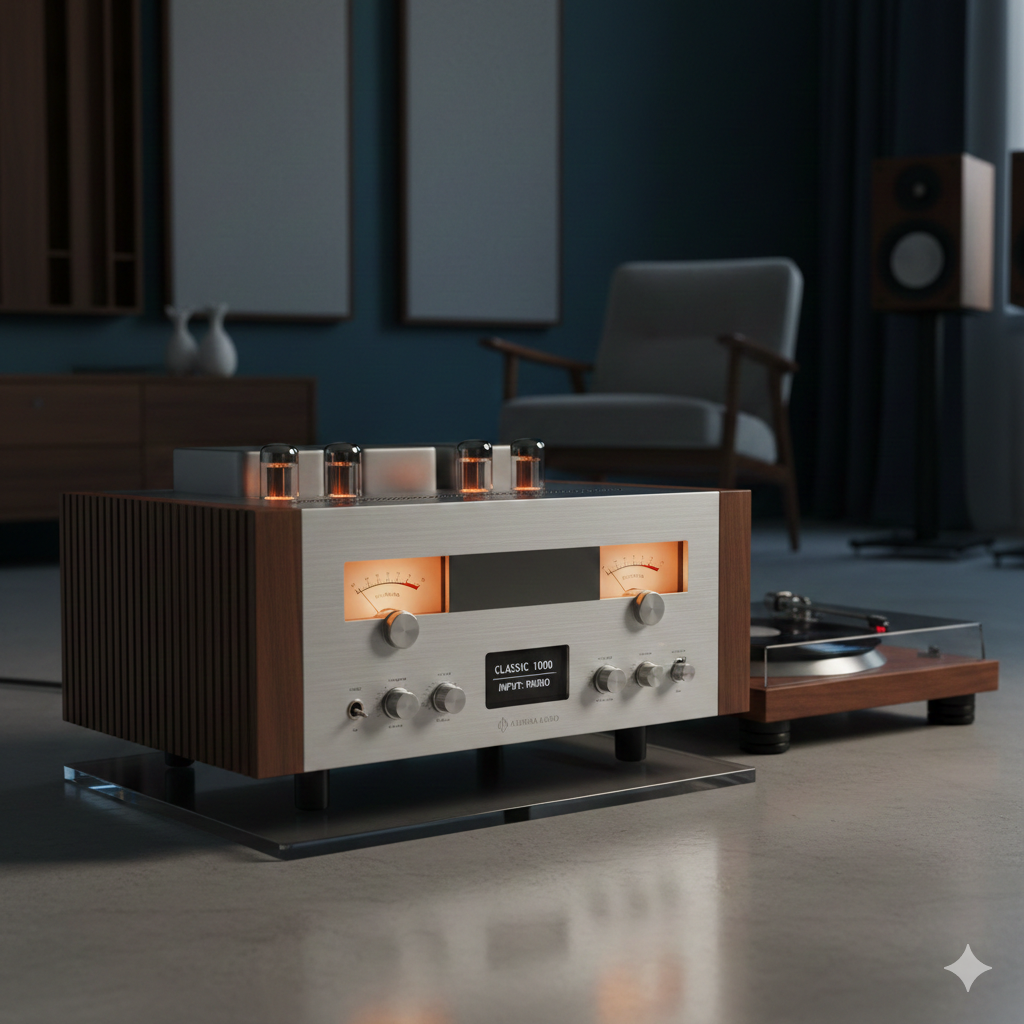
Setting gain correctly is one of the most important steps in getting clean, powerful sound from any audio system — whether it’s home audio, car audio, studio, or PA. Yet gain is also one of the most misunderstood controls on an amplifier.
Many people think the gain knob is a “volume” knob.
It isn’t.
Improper gain settings lead to distortion, clipping, blown speakers, and overheated amplifiers.
Proper gain settings give you maximum clarity, volume, and headroom without damaging your gear.
This guide walks you through how to properly set gain on an amplifier, step by step, the right way.
What Gain Actually Does
Gain doesn’t control how loud your system plays — it controls how much the amplifier boosts the signal from your source.
Think of gain as:
- Input sensitivity
- A match between your audio source and amplifier
- A way to avoid clipping by balancing the system
Setting it too high = distortion.
Setting it too low = weak sound.
Setting it correctly = clean, powerful audio.
1. Start by Turning Everything Down
Before adjusting gain, reset the system.
✔ Set the amp’s gain to minimum
✔ Set all EQ/boosts to flat or off
✔ Set bass boost to 0
✔ Set the source volume to 0%
You’re starting with a clean slate so the amp doesn’t clip prematurely.
2. Set the Volume on Your Source Device
Every gain setting depends on the input signal.
Rule of thumb:
Set your head unit, mixer, or audio source to 75–85% of its maximum volume.
This ensures:
- Strong signal
- No digital clipping
- Plenty of clean headroom
If you set gain at 100% source volume, normal listening levels may clip.
If you set gain too low, you may never reach full amp power.
3. Slowly Increase Gain Until You Reach the “Clean Limit”
Now turn up the gain on the amplifier slowly while music or a test tone is playing.
You’re listening for:
- Clean, undistorted sound
- Strong output
- No harsh treble
- No fuzzy bass
Stop increasing the gain as soon as distortion begins — then back it down slightly.
This is your amplifier’s clean gain setting.
4. Use the “Speaker Distortion” Method (Easy and Effective)
Play a well-recorded track with clear vocals and wide dynamics.
Steps:
- Raise the source volume to 75–85%.
- Slowly raise the amp gain.
- Stop when you hear:
- Buzzing
- Harshness
- Crunchy vocals
- Grainy highs
- Back the gain down until everything sounds clean again.
This method works for most users and protects your speakers from clipping.
5. Use a 0 dB Test Tone for Maximum Accuracy (Recommended)
For the most precise results, use test tones:
- 40 Hz for subwoofers
- 1 kHz for mids/highs
How:
- Play the test tone at 75–85% source volume.
- Increase gain until the amp or speaker begins to distort.
- Back down the gain until the tone becomes clean again.
This method is very reliable and widely used by installers.
6. Use a Multimeter for Professional-Level Precision
This method ensures the amp outputs the exact wattage you want.
What you need:
- A digital multimeter
- The speaker’s RMS wattage and impedance
- A 0 dB test tone
Formula to calculate target voltage:
Voltage = √(Power × Ohms)
Example:
100W into 4Ω → √(100 × 4) = 20V
Then:
- Play the test tone at 75–85% volume.
- Adjust gain until the multimeter reads the target voltage.
This gives you a perfect, distortion-free gain setting.
7. What NOT to Do When Setting Gain
Avoid these common mistakes:
❌ Don’t set the gain to max
This guarantees clipping and damaged speakers.
❌ Don’t set gain based on how loud you want it
Volume comes from the source, not the gain knob.
❌ Don’t boost EQ or bass first
These cause clipping before you even reach the proper gain setting.
❌ Don’t adjust gain while speakers are distorting
You can destroy tweeters instantly.
8. How to Know Your Gain Is Set Properly
Your system is correctly tuned if:
- Music gets loud without distortion
- The amp stays cool under normal use
- Bass is tight, not muddy
- Highs are smooth, not harsh
- You don’t have to max out volume or gain
- Speakers no longer sound strained
Clean headroom = healthy amplifier + safe speakers.
Conclusion: Proper Gain Setting Protects Your System
Setting gain on an amplifier is not about loudness — it’s about signal matching and distortion control.
A properly set gain gives you:
- Maximum clarity
- Strong, clean volume
- No clipping
- Longer amplifier life
- Protection from blown speakers
Follow the steps above, and your system will sound cleaner, louder, and safer than ever.