
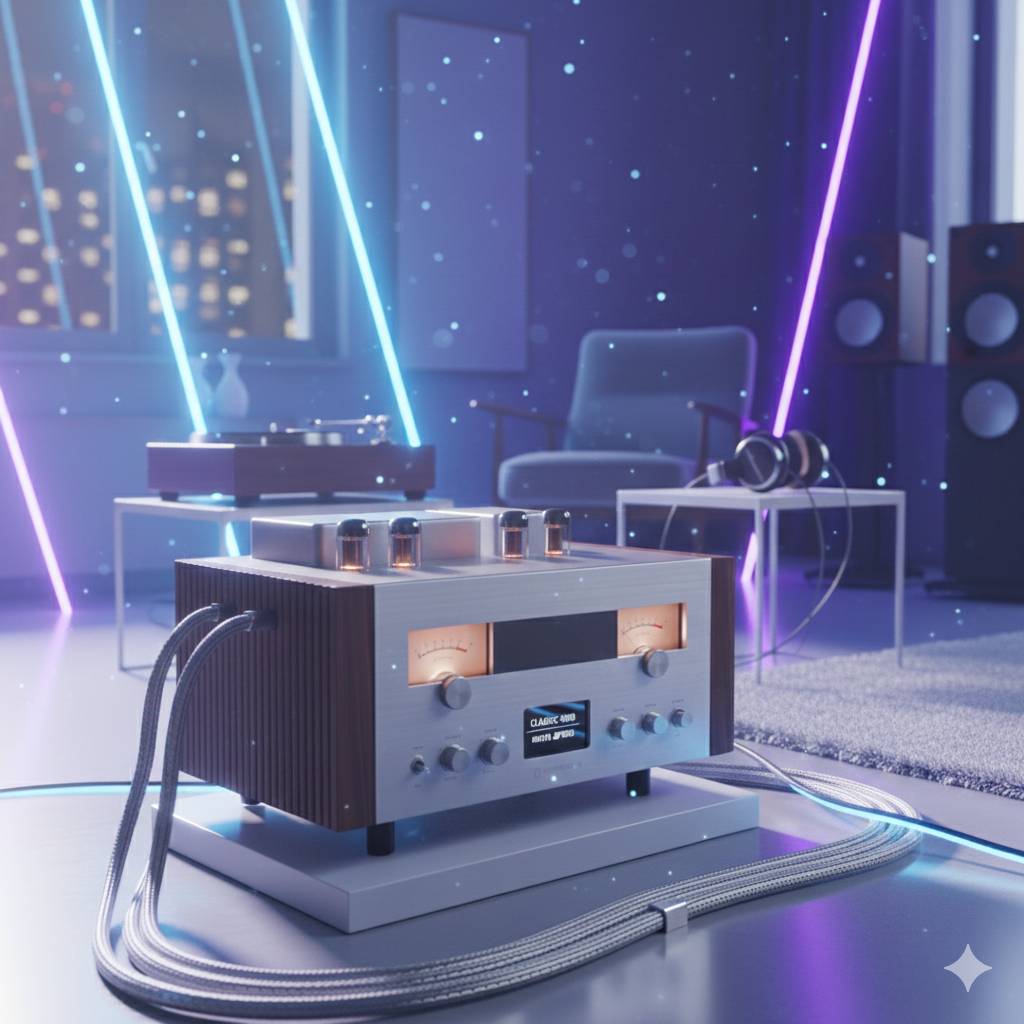
Dialing in the best sound settings on your amplifier is essential for getting clean, distortion-free, and well-balanced audio—whether you’re tuning a car audio system, home stereo, or hi-fi setup. While every system is different, certain core settings make the biggest impact on overall sound quality.
This featured article breaks down exactly how to set your amplifier for the best performance.
1. Start With Flat Settings
Before adjusting anything, reset your system to a clean baseline.
✔ Set Everything to Neutral:
- Bass: 0 (flat)
- Treble: 0 (flat)
- Midrange: 0 (flat)
- Loudness: Off
- EQ: Flat or bypassed
- DSP effects: Off
You want the amplifier to amplify—not compensate for previous bad settings.
2. Set Your Gain Properly (Most Important!)
Gain is not a volume control—it matches input voltage to amp output.
Rules for best gain:
- Use test tones, not music
- Increase gain until just before clipping
- Use –5 dB or –10 dB tones for clean headroom
- Avoid setting gain “by ear”
Correct gain gives louder sound, lower distortion, and better clarity.
3. Dial In the Crossover Settings
Crossovers determine which frequencies go to which speakers.
Best starting points:
Subwoofer:
- Low-pass: 70–90 Hz
- Slope: 12 dB or 24 dB
- Bass boost: Off
Midrange / Door Speakers:
- High-pass: 80–100 Hz
- Slope: 12 dB
Tweeters:
- High-pass: 2.5–4 kHz
Proper crossovers prevent distortion, protect speakers, and improve clarity.
4. Adjust EQ the Smart Way
Less EQ = more natural, accurate sound.
EQ rules for best sound:
- Cut frequencies instead of boosting
- Small adjustments only (±3 dB max)
- Reduce harshness at 2–4 kHz
- Reduce boominess around 120–200 Hz
- Lightly boost deep bass at 50–80 Hz (if needed)
Avoid extreme “V-shaped” EQ curves unless you’re tuning for fun.
5. Bass Boost: Use Sparingly or Avoid
Bass boost increases a narrow band of deep frequencies—but easily causes clipping.
Best setting:
- Bass Boost: OFF
If you must use it:
- Keep it under +3 dB
- Increase gently and check for distortion
It’s always better to increase bass using:
- A woofer level adjustment
- A subsonic filter
- Proper amplifier gain
6. Use the Subsonic Filter (For Ported Boxes)
A subsonic (high-pass) filter protects subs from over-excursion.
Best setting:
- 2–5 Hz below your box tuning frequency
Example:
If your ported box is tuned to 32 Hz, set subsonic to 27–30 Hz.
This improves bass tightness and protects your woofer.
7. Balance Levels Between Speakers
One of the most overlooked settings is level matching.
Tips:
- Match left and right levels for proper stereo imaging
- Ensure subwoofer and mids blend smoothly
- Avoid overpowering mids or highs
Balanced sound = natural sound.
8. Use Time Alignment (If Available)
Time alignment delays certain speakers so sound reaches your ears simultaneously.
Benefits:
- Sharper imaging
- Centered vocals
- Better soundstage
- More accurate stereo field
This is especially helpful in car audio, where one speaker is physically closer.
9. Keep Loudness Off
Loudness boosts bass and treble at low volume—but causes distortion as volume increases.
Best setting:
- Loudness: OFF
Unless you’re listening quietly at night.
10. Final Listening Test & Fine-Tuning
After technical tuning, use your ears to finalize settings.
Listen for:
- Clarity of vocals
- Bass tightness
- Harshness or sibilance
- Distortion during loud peaks
- Smooth transition between subs and mids
Fine-tuning takes a system from “good” to “perfect.”
Recommended Starting Settings (Quick Chart)
| Setting | Best Starting Point |
|---|---|
| Gain | Set with test tones (no clipping) |
| LPF (Sub) | 70–90 Hz |
| HPF (Mids) | 80–100 Hz |
| HPF (Tweeters) | 2.5–4 kHz |
| Bass Boost | Off |
| Subsonic | 2–5 Hz below tuning |
| EQ | Flat, small adjustments only |
| Loudness | Off |
Final Thoughts
The best sound settings for an amplifier aren’t about boosting everything—they’re about clean power, proper filtering, and accurate tuning. A properly tuned amplifier will always outperform a more expensive amp with poor settings.