
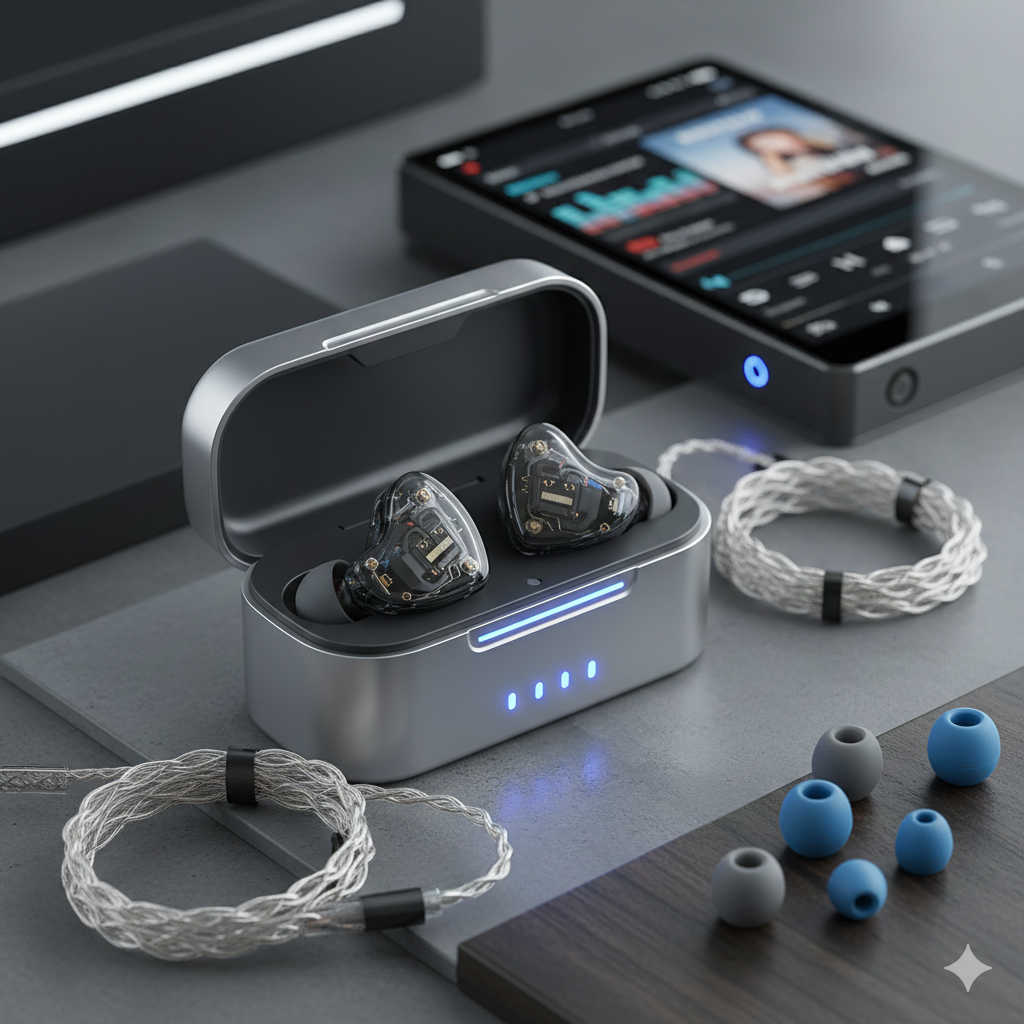
Hearing crackling, static, or distortion in your in-ear monitors (IEMs) can be frustrating—especially when you don’t know whether the issue is with the IEMs, the cable, your audio source, or even your ears. But the good news is this: crackling is almost always diagnosable and fixable.
This guide explains every common cause of crackling in IEMs and how to solve each one.
1. Dirty or Loose Connectors
Most IEMs use removable connectors like 2-pin or MMCX. These can oxidize, loosen, or accumulate skin oil and dust.
Symptoms
- Crackling when you move your head
- Sound cutting in/out
- Noise when rotating MMCX connectors
Fix
- Clean connectors with isopropyl alcohol (70–99%)
- Reseat the cable firmly
- If MMCX: don’t spin the connector—only push/pull
- Replace cable if looseness is extreme
2. Faulty or Damaged Cable
IEM cables often fail at the ear hooks, Y-split, or plug due to bending and stress.
Symptoms
- Crackling when touching the cable
- One side cuts out
- Noise when the cable moves
Fix
- Swap in another cable (this is the fastest diagnostic)
- Avoid sharp bends
- Replace damaged cables entirely
3. Poor Source or Bad Output Jack
Your smartphone, laptop, DAC, or amp may have:
- A dirty headphone jack
- Loose contact
- A grounding or electrical issue
Symptoms
- Crackling with all headphones
- Noise changes when you wiggle the plug
- Static only on certain devices
Fix
- Clean the jack using a cotton swab with alcohol
- Try another device
- If using a DAC/amp: check for firmware updates
- Replace the adapter if you’re using a dongle
4. Electrical Interference (EMI)
IEMs—especially sensitive models—can pick up:
- Phone notification signals
- Laptop USB noise
- Ground loop hum from chargers
Symptoms
- Static when your phone is close
- Buzzing that changes as you move
- Noise disappears on battery power
Fix
- Switch USB ports
- Use a better-shielded dongle/DAC
- Turn off phone radios
- Remove ground loops by using the same power source
5. Driver Flex
Dynamic-driver IEMs may produce a crackling or popping when inserting them.
Symptoms
- Crackling only when inserting the IEM
- Pressure-related noise
- Goes away after settling in your ear
Fix
- Insert slowly
- Use tips that reduce seal pressure (foam or wider-bore silicone)
- If persistent, the IEM may have poor venting
6. Earwax or Moisture on the Nozzle/Mesh
A clogged mesh can cause distorted, crackling, or muffled sound.
Symptoms
- Crackling at certain frequencies
- One ear sounding worse
- Lower volume
Fix
- Clean mesh gently using a soft brush or dry cloth
- Replace wax filters if your IEM has them
- Avoid liquid cleaners—they can damage drivers
7. Volume Too High / Amp Clipping
If your DAC/amp is clipping, you may hear crackling at loud volumes.
Symptoms
- Noise only when turning up volume
- Harsh distortion
- Goes away when lowering volume
Fix
- Reduce volume
- Check if gain is too high
- Avoid stacking too many amplifiers or boosts
- Use a cleaner output source
8. Damaged Drivers
If your IEM’s internal drivers are damaged, crackling may appear at any level or frequency.
Symptoms
- Crackling that never goes away
- One side always worse
- No effect from cable swaps or cleaning
Fix
- Check warranty
- Request repair or replacement
- Driver damage is not user-repairable
9. Ears Causing the Crackling
Sometimes the noise isn’t the IEM at all—your ears may cause:
- Earwax movement
- Eustachian tube pressure
- Clicking from jaw movement
Symptoms
- Crackling even with no audio
- Appears during swallowing or chewing
- Not linked to cable or device movement
If symptoms persist, consult a medical professional.
Conclusion: What Should You Check First?
A quick troubleshooting path:
- Swap the cable → fixes 70% of cases
- Try another device
- Clean connectors
- Check for driver flex
- Inspect mesh for blockage
Crackling rarely means your IEM is permanently damaged—most causes are simple and cheap to fix.