
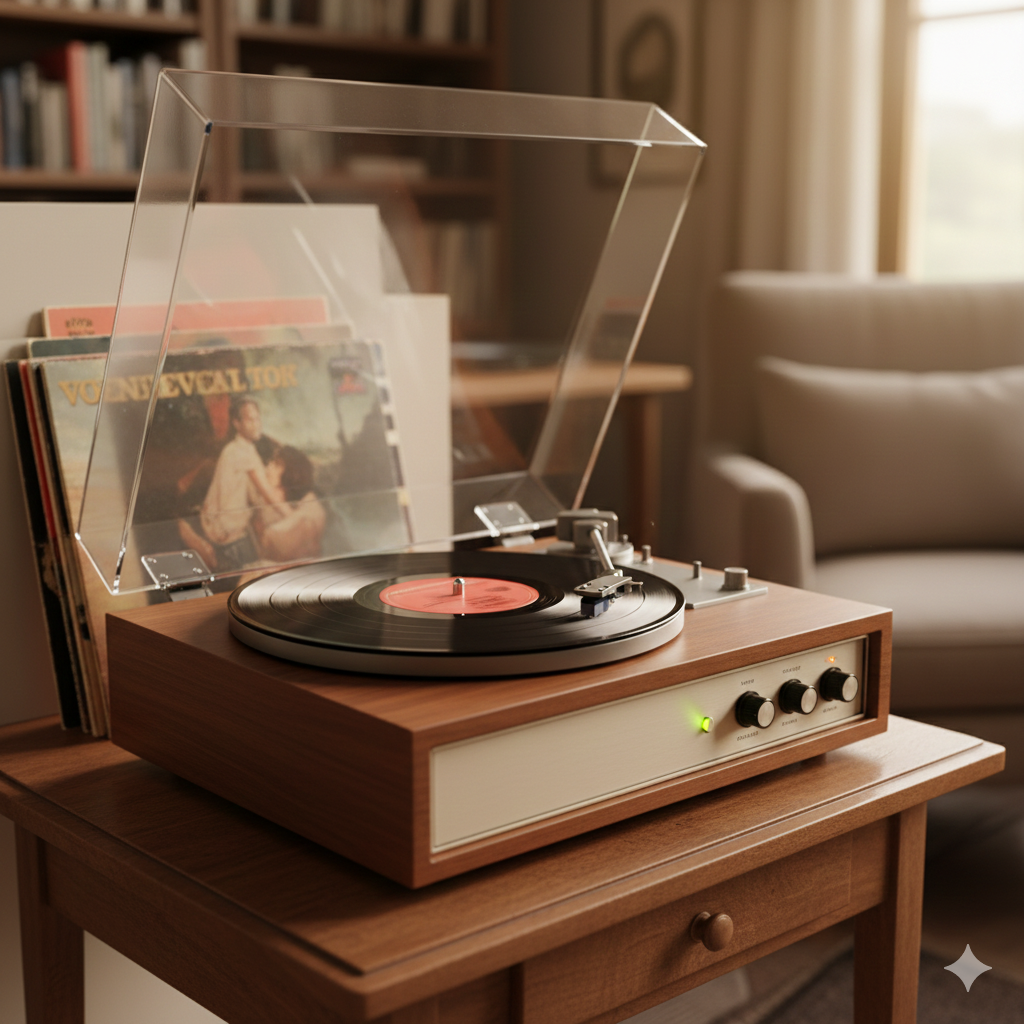
A scratchy, gritty, or distorted sound from your record player can be alarming—but in most cases, the cause is simple and fixable.
Scratchy sound is different from normal vinyl surface noise. It usually points to a setup, cleanliness, or component issue rather than damaged records.
Let’s break down the most common causes—and how to fix them safely.
What “Scratchy” Sound Usually Means
Scratchy sound often presents as:
- Harsh distortion, especially on vocals
- Grainy or fuzzy texture during loud passages
- Crackling that increases with volume
- One channel sounding worse than the other
This type of noise is often caused by playback problems—not the music itself.
1. Dirty Records
Dust and debris in the grooves are the most common cause.
- Stylus scrapes through dirt instead of clean vinyl
- Distortion becomes more noticeable on loud sections
- New records can still be dirty from manufacturing
Fix:
Clean records using a carbon fiber brush before every play and wet-clean regularly.
2. Dirty or Worn Stylus
A stylus collects dust quickly.
- Buildup changes the stylus shape
- Worn tips can’t track grooves accurately
- Damage can occur quickly if ignored
Fix:
Clean the stylus gently with a stylus brush and replace it at recommended intervals.
3. Incorrect Tracking Force
Improper tracking force causes mistracking.
- Too light: stylus bounces and scrapes
- Too heavy: groove damage and distortion
Both produce scratchy sound.
Fix:
Set tracking force precisely using a scale and follow cartridge manufacturer specifications.
4. Cartridge Misalignment
Misaligned cartridges cause uneven groove contact.
- One channel may sound distorted
- Inner grooves become harsh
- Records wear unevenly
Fix:
Use a cartridge alignment protractor and re-check alignment after cartridge changes.
5. Worn or Damaged Records
Some scratchy sound comes from:
- Groove wear caused by previous poor equipment
- Deep scratches
- Pressing defects
Fix:
Inspect records carefully and test with known good records.
6. Static Electricity
Static causes:
- Loud crackles and pops
- Increased dust attraction
- Stylus instability
Dry environments make it worse.
Fix:
Use anti-static sleeves, brushes, and maintain proper room humidity.
7. Cheap or Poorly Designed Turntables
Low-quality turntables may:
- Track too heavily
- Lack proper anti-skate
- Have unstable tonearms
This leads to constant distortion.
Fix:
Upgrade to a properly designed turntable if possible.
8. Phono Preamp or Cable Issues
Electrical problems can sound scratchy.
- Loose RCA connections
- Faulty cables
- Poor grounding
Fix:
Check connections and ensure proper grounding.
How to Quickly Diagnose the Problem
Try this order:
- Clean the record
- Clean the stylus
- Check tracking force
- Test a different record
- Inspect cartridge alignment
Most scratchy sound issues disappear after these steps.
What Scratchy Sound Is Normal?
Some noise is expected:
- Light surface noise on older records
- Occasional pops and clicks
But harsh distortion or constant scratchiness is not normal.
Final Takeaway
A scratchy sound is usually a warning—not a death sentence.
In most cases, it means:
- Something is dirty
- Something is misadjusted
- Something is worn but replaceable
Fixing the basics protects your records and restores clean, enjoyable sound 🎶