
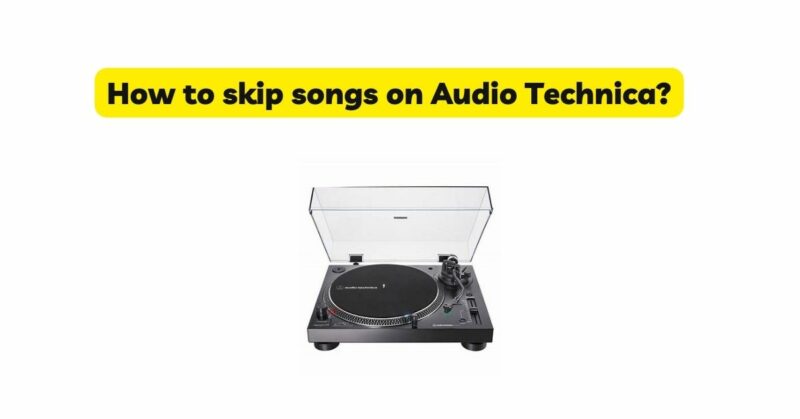
Audio-Technica turntables are known for their exceptional sound quality and reliability, providing music enthusiasts with an immersive vinyl listening experience. While traditional turntables may not have a built-in skip function like modern digital devices, there are techniques you can employ to skip songs on an Audio-Technica turntable. In this article, we will explore various methods that allow you to navigate through tracks effortlessly, whether you’re using a manual or automatic Audio-Technica turntable. By following these steps, you can take full control of your vinyl listening experience and enjoy your favorite songs without interruptions.
I. Understanding Audio Technica Turntable Models
- Manual vs. Automatic: Audio-Technica offers both manual and automatic turntable models. Manual turntables require manual cueing and tonearm operation, while automatic turntables have additional features for automated playback.
- Familiarizing with Turntable Controls: Get acquainted with the controls specific to your Audio-Technica turntable, including the start/stop button, cue lever, tonearm lift, and the speed selector.
II. Skipping Songs on a Manual Audio Technica Turntable
- Cueing and Lift Techniques: Learn how to manually cue the tonearm and lift it to skip songs on a manual Audio-Technica turntable. This involves precise handling of the tonearm and placing it in the desired groove.
- Using the Tonearm Rest: Utilize the tonearm rest feature when you want to pause playback or skip to the next track. Carefully place the tonearm on the rest to prevent accidental needle damage.
III. Skipping Songs on an Automatic Audio Technica Turntable
- Utilizing the Auto-Start Function: Automatic Audio-Technica turntables often have an auto-start feature. Engage this function to start playback from the desired track.
- Lever Control: Learn how to use the lever control, commonly located on the front of the turntable, to skip songs on an automatic Audio-Technica turntable. This lever allows you to move the tonearm to different positions on the record.
IV. Additional Tips for Skipping Songs
- Preparing Your Vinyl: Create custom vinyl track listings by placing small stickers or markings on the record sleeve or label to indicate the start of each song. This visual cue can help you quickly identify and skip to specific tracks.
- Digital Assistance: Consider digitizing your vinyl collection using a turntable with USB output or using external devices like a phono preamp and audio interface. Digitalizing your vinyl allows for easy song skipping and creating playlists on digital media players.
- Utilizing a Turntable Controller: Some Audio-Technica turntables may be compatible with turntable controllers or external devices that provide additional playback control options, including skipping songs.
V. Conclusion
While Audio-Technica turntables may not have a direct skip function, mastering the techniques of manually cueing and lifting the tonearm or utilizing the features of an automatic turntable allows you to skip songs effortlessly. By familiarizing yourself with your specific Audio-Technica model and employing the methods discussed in this article, you can enjoy a seamless listening experience and easily navigate through tracks on your favorite vinyl records. Remember, each Audio-Technica turntable may have unique features and functionalities, so consult your user manual for model-specific instructions. Happy skipping and exploring your vinyl collection!