
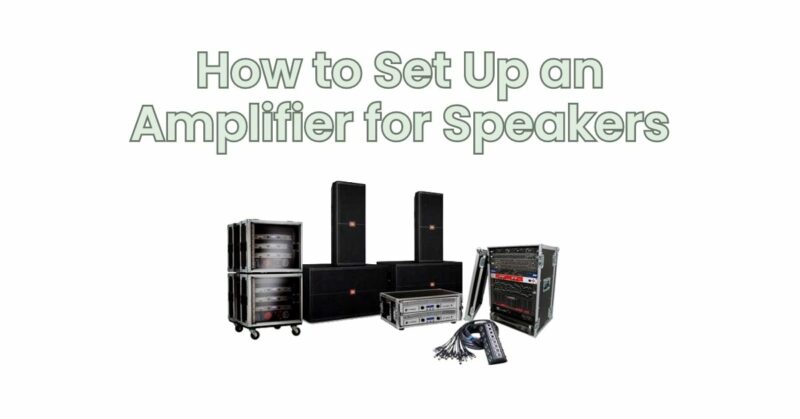
Setting up an amplifier for your speakers is a critical step in creating a high-quality audio system. Proper amplifier configuration ensures optimal performance, accurate sound reproduction, and prevents potential damage to your speakers. In this article, we will guide you through the step-by-step process of setting up an amplifier for your speakers, allowing you to enjoy a rich and immersive audio experience.
Step 1: Gather the Required Equipment Before you begin, gather the necessary equipment: an amplifier, speakers, speaker cables, an audio source (such as a CD player or media player), and power cables. Ensure that the amplifier and speakers are compatible in terms of power ratings and impedance.
Step 2: Connect the Speakers Identify the speaker terminals on your amplifier. Connect the positive terminal of each speaker to the corresponding positive terminal on the amplifier using speaker cables. Similarly, connect the negative terminal of each speaker to the corresponding negative terminal on the amplifier.
Step 3: Connect the Audio Source Connect the audio source (CD player, media player, etc.) to the amplifier using RCA cables or any other appropriate audio connection. Ensure that you match the left and right channels correctly.
Step 4: Power Connection Connect the power cables to the amplifier and ensure that the power source is turned off. Verify that the power cables are securely connected, with the appropriate fuse in place. Connect the other end of the power cables to a suitable power outlet.
Step 5: Set the Input and Output Levels On the amplifier, locate the input level controls or gain controls. Set these controls to an appropriate level, considering the output of your audio source. Start with the controls set to their minimum position and gradually increase them until you achieve the desired volume level without distortion.
Step 6: Adjust Tone Controls (if available) If your amplifier features tone controls such as bass, treble, or equalizer settings, adjust them according to your personal preference and the characteristics of your speakers and listening environment. Experiment with different settings to achieve a balanced sound that suits your taste.
Step 7: Fine-Tuning and Listening Evaluation After completing the initial setup, it’s important to evaluate the sound output by listening to a variety of music genres or audio tracks. Pay attention to the clarity, detail, and overall sound quality. If necessary, make small adjustments to the input level controls, tone controls, or speaker placement to achieve the desired sound balance and optimize the performance of your speakers.
Step 8: Room Acoustics and Speaker Placement Consider the acoustic characteristics of your room and the placement of your speakers. Experiment with speaker positioning to achieve the best soundstage and imaging. Additionally, consider using room treatments such as acoustic panels or bass traps to minimize reflections and improve overall sound quality.
Setting up an amplifier for your speakers is an important process in creating an exceptional audio system. By following the step-by-step guidelines provided in this article, you can properly connect your speakers to the amplifier, adjust the input and output levels, and fine-tune the settings to achieve the desired sound quality. Remember to consider the acoustics of your room and experiment with speaker placement to optimize the audio performance. With careful setup and calibration, you can enjoy a captivating and immersive audio experience that brings your music, movies, and other audio content to life.