
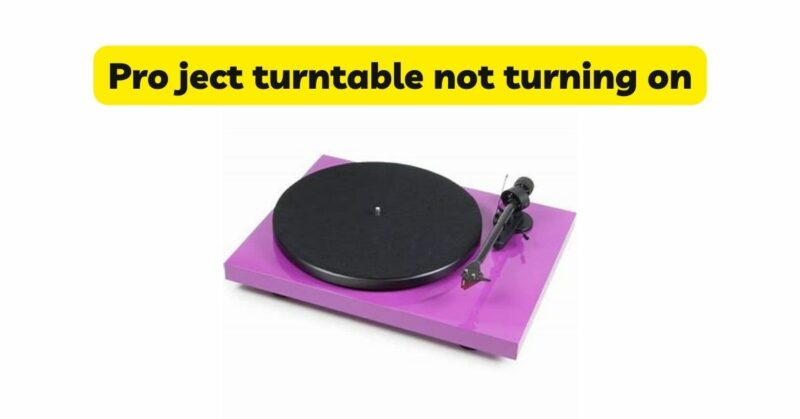
Pro-Ject turntables are known for their exceptional audio quality and reliable performance. However, like any electronic device, there may be instances when your Pro-Ject turntable fails to turn on. This can be frustrating, especially if you’re eager to enjoy your vinyl collection. In this article, we will provide a comprehensive troubleshooting guide to help you identify and resolve common issues that may prevent your Pro-Ject turntable from turning on. By following these steps, you can potentially resolve the problem and get back to enjoying your favorite records in no time.
Check the Power Supply: The first step in troubleshooting a non-responsive Pro-Ject turntable is to ensure it is receiving power. Check the power cable connections at both ends, including the wall outlet and the turntable’s power input. Verify that the power outlet is working correctly by plugging in another device. If the power outlet is functional, but your turntable still doesn’t turn on, proceed to the next steps.
Examine the Power Switch: Inspect the power switch on your Pro-Ject turntable. Ensure that it is in the “on” position and firmly engaged. Sometimes, the switch may become loose or stuck in between positions, preventing the turntable from powering up. Toggle the power switch a few times to ensure it is making proper contact.
Check the Fuse: Pro-Ject turntables often incorporate a fuse to protect the circuitry from power fluctuations. Locate the fuse holder on your turntable, usually near the power input. Carefully remove the fuse and visually inspect it for any signs of damage, such as a blown filament or discoloration. If the fuse appears faulty, replace it with a new one of the same rating. Consult the turntable’s user manual or contact Pro-Ject customer support for specific fuse information.
Verify the Platter Position: In some cases, the platter on a Pro-Ject turntable needs to be in the correct position for the turntable to power on. Ensure that the platter is properly seated on the turntable’s spindle. Gently lift the platter and reposition it to ensure a secure fit. Sometimes, the platter may become misaligned during transport or use, causing the turntable to remain unresponsive.
Check the Belt Drive: If your Pro-Ject turntable utilizes a belt drive mechanism, inspect the belt for any signs of damage, such as stretching or tearing. A worn-out or broken belt can prevent the turntable’s motor from spinning the platter, resulting in a non-responsive unit. Replace the belt if necessary, following the manufacturer’s instructions or seeking assistance from Pro-Ject customer support.
Clean and Lubricate Moving Parts: Over time, dust, dirt, and debris can accumulate on the internal components of your Pro-Ject turntable, causing mechanical issues that prevent it from turning on. Carefully clean the tonearm, platter, and other moving parts using a soft, lint-free cloth. Additionally, lubricate any recommended points of friction, such as the tonearm bearings, with a suitable lubricant. Be sure to follow the manufacturer’s instructions and use a lubricant specifically designed for turntable maintenance.
Consult Pro-Ject Customer Support: If you have followed the above steps and your Pro-Ject turntable still refuses to turn on, it may be indicative of a more complex issue. At this point, it is advisable to contact Pro-Ject customer support or consult a qualified technician for further assistance. They will have the expertise to diagnose the problem and provide appropriate solutions or recommend professional repair if necessary.
Conclusion: Experiencing a non-responsive Pro-Ject turntable can be frustrating, but by following the troubleshooting steps outlined in this article, you can identify and potentially resolve the issue. Remember to check the power supply, examine the power switch and fuse, verify the platter position, inspect the belt drive, clean and lubricate moving parts, and seek professional assistance if needed. By taking the necessary steps, you can restore your Pro-Ject turntable’s functionality and continue to enjoy your vinyl collection for years to come.