
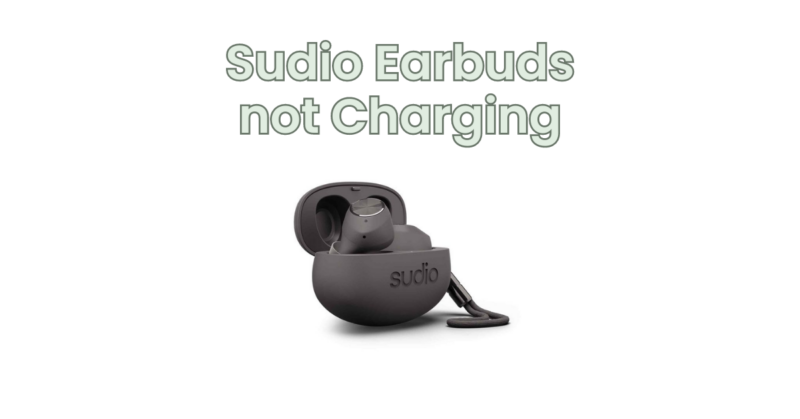
Sudio earbuds are known for their stylish design and good sound quality, but it can be frustrating when you encounter charging issues with your earbuds. If your Sudio earbuds are not charging properly or not charging at all, it can affect your listening experience. In this troubleshooting guide, we will explore some common causes and solutions to help you resolve the issue of Sudio earbuds not charging.
- Check the Charging Cable and Adapter: Start by ensuring that the charging cable and adapter you are using are in proper working condition. Try using a different USB cable and charging adapter to rule out any issues with the charging accessories. Make sure the USB cable is securely connected to both the charging case and the power source.
- Clean the Charging Contacts: Dirt, debris, or oxidation on the charging contacts can hinder the charging process. Use a soft, dry cloth or a cotton swab lightly moistened with water or isopropyl alcohol to clean the charging contacts on both the earbuds and the charging case. Gently wipe the contacts to remove any buildup that may be obstructing the charging connection.
- Reset the Earbuds and Charging Case: Performing a reset can help resolve charging-related issues. Follow these steps to reset your Sudio earbuds and charging case:
a. Place the earbuds in the charging case.
b. Keep the lid of the charging case open.
c. Press and hold the touch-sensitive area on both earbuds simultaneously for about 15 seconds until the LED lights on the earbuds flash three times.
d. Remove the earbuds from the charging case and try charging them again.
- Try a Different Power Source: If you are experiencing charging issues, try connecting the charging cable to a different power source, such as a different USB port on your computer, a wall adapter, or a power bank. Sometimes, the power source may not provide sufficient power output, leading to charging problems.
- Check Charging Case Battery Level: Ensure that the charging case has sufficient battery level. If the charging case battery is depleted, it will not be able to charge the earbuds. Charge the charging case fully before attempting to charge the earbuds.
- Verify Proper Alignment: Make sure the earbuds are properly aligned and seated in the charging case. The charging contacts on the earbuds should align with the corresponding charging pins inside the case. Ensure that the earbuds are securely placed in the charging case, and the lid is closed properly to establish a good charging connection.
- Contact Sudio Support: If you have followed all the troubleshooting steps and are still experiencing issues with charging your Sudio earbuds, it’s recommended to contact Sudio customer support for further assistance. They have the expertise to address specific issues and provide additional troubleshooting guidance or arrange for repairs or replacements if necessary.
By following these troubleshooting steps, you should be able to resolve the issue of Sudio earbuds not charging. Remember to check the charging cable and adapter, clean the charging contacts, reset the earbuds and charging case, try a different power source, verify proper alignment, and contact Sudio support if needed. With the charging issue resolved, you can enjoy uninterrupted listening with your fully charged Sudio earbuds.