
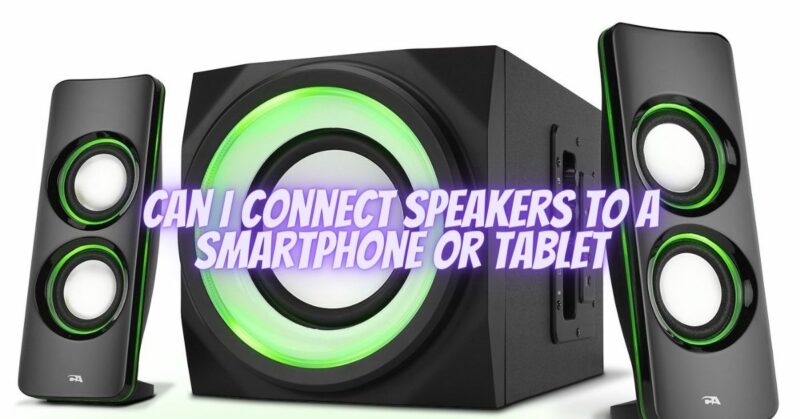
Smartphones and tablets have become powerful multimedia devices, capable of playing music, videos, and other audio content. While the built-in speakers on these devices can suffice for personal listening, connecting external speakers can significantly enhance the audio experience, allowing for better sound quality, louder volume, and a more immersive listening experience. In this article, we will explore the various methods and options for connecting speakers to a smartphone or tablet, enabling you to enjoy your favorite audio content with enhanced audio playback.
- Wired Connection Options:
a. 3.5mm Headphone Jack: Most smartphones and tablets feature a 3.5mm headphone jack, allowing you to connect speakers using a standard auxiliary cable. Simply plug one end of the cable into the headphone jack of the device and the other end into the input of the speakers. This straightforward analog connection offers a universal compatibility solution.
b. USB Connection: Some smartphones and tablets support USB audio output. In this case, you can connect compatible speakers using a USB cable. Ensure that the speakers have USB audio input capability and are compatible with your device’s operating system.
- Wireless Connection Options:
a. Bluetooth: Many smartphones and tablets support Bluetooth connectivity, allowing you to connect speakers wirelessly. Ensure that your speakers also have Bluetooth capability. Pair the speakers with your device by following the manufacturer’s instructions, and once connected, you can enjoy wireless audio playback without the need for physical cables.
b. Wi-Fi Streaming: Some speakers and audio systems offer Wi-Fi streaming capabilities. These speakers connect to your home Wi-Fi network and can be controlled via a dedicated app on your smartphone or tablet. This option provides high-quality wireless audio streaming and often supports multi-room audio configurations.
- Audio Streaming Services:
Utilize audio streaming services available on your smartphone or tablet:
a. Music Apps: Many smartphones and tablets come preloaded with music apps or support popular streaming services such as Spotify, Apple Music, Tidal, or Google Play Music. Install the app of your choice, sign in to your account, and stream music directly to your connected speakers.
b. Media Players: Utilize media player apps on your device to play local audio files stored on your device or on external storage media. These apps typically provide a range of audio playback options, including EQ settings and playlist management.
- Audio Adapter or Docking Station:
If your smartphone or tablet has proprietary or non-standard audio connectors, you may need an audio adapter or docking station to connect to external speakers. These devices convert the audio output from your device to a standard analog or digital format, allowing you to connect speakers using conventional methods.
- Speaker Compatibility Considerations:
When connecting speakers to a smartphone or tablet, ensure compatibility in terms of power requirements, input types, and connection methods. Check the speaker’s specifications to ensure it can handle the power output of your device and the desired audio connection method (e.g., wired or wireless).
Conclusion:
Connecting external speakers to your smartphone or tablet opens up a world of audio possibilities, enhancing your listening experience and allowing you to enjoy your favorite music, movies, and other audio content with improved sound quality and volume. Whether through wired connections like the 3.5mm headphone jack or USB, or wireless options like Bluetooth or Wi-Fi streaming, there are various methods to connect speakers to your device. Consider speaker compatibility, audio streaming services, and the availability of audio adapters or docking stations to ensure a seamless and enjoyable audio playback experience. With the right connection and setup, you can transform your smartphone or tablet into a portable audio powerhouse, delivering impressive sound for your personal enjoyment or sharing with friends and family.