
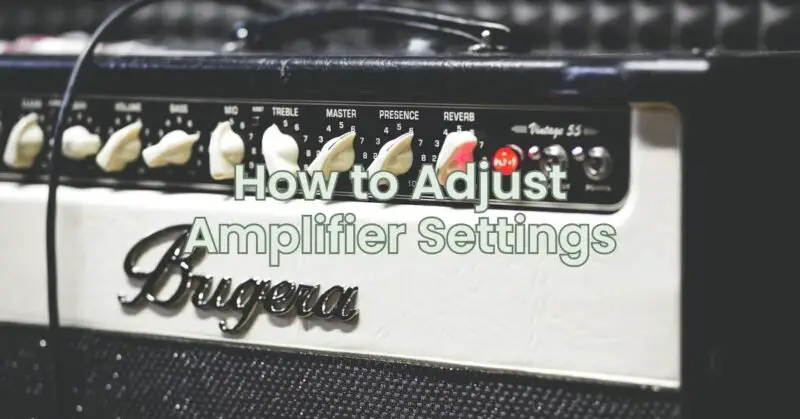
Amplifiers are devices that increase the power of an audio signal. They are used to power speakers and other audio devices.
The settings on an amplifier can be adjusted to optimize the sound quality of your system. Here are some of the most important settings to adjust:
- Gain: The gain controls the volume of the output signal. It is important to set the gain correctly to avoid distortion.
- Crossover frequency: The crossover frequency determines the point at which the amplifier will send the low frequencies to the subwoofer and the high frequencies to the speakers.
- Equalization: Equalization (EQ) allows you to adjust the frequencies of the output signal. This can be used to boost or cut certain frequencies to create a more balanced sound.
Here are the steps on how to adjust amplifier settings:
- Start with a low gain setting. This will help to prevent distortion.
- Adjust the crossover frequency. The ideal crossover frequency will vary depending on the type of speakers you have and your personal preferences. A good starting point is around 80Hz.
- Use equalization. Equalization (EQ) allows you to adjust the frequencies of the output signal. This can be used to boost or cut certain frequencies to create a more balanced sound. There are many different EQ settings available, so experiment until you find one that you like.
- Listen to different types of music. When you are adjusting the settings on your amplifier, listen to different types of music to make sure that the sound is balanced across all frequencies. This will help to ensure that you are getting the best possible sound for all of your music.
- Be patient. Adjusting amplifier settings can take some time and experimentation. Don’t get discouraged if you don’t get it perfect right away. Keep adjusting the settings until you find a sound that you are happy with.
Here are some additional tips for adjusting amplifier settings:
- Use a good quality sound source. The sound quality of your system will be limited by the quality of the sound source. If you are using a low-quality MP3 player, you will not be able to get the best sound possible.
- Use a test tone. A test tone is a single frequency sound that can be used to adjust the settings on your amplifier. This can be helpful for making sure that the frequencies are being adjusted correctly.
- Read the manual. The manual for your amplifier will provide detailed instructions on how to adjust the settings. This can be helpful for understanding the different settings and how they affect the sound.
I hope this article helps you understand how to adjust amplifier settings. With a little bit of time and effort, you should be able to create a sound system that you will enjoy.