
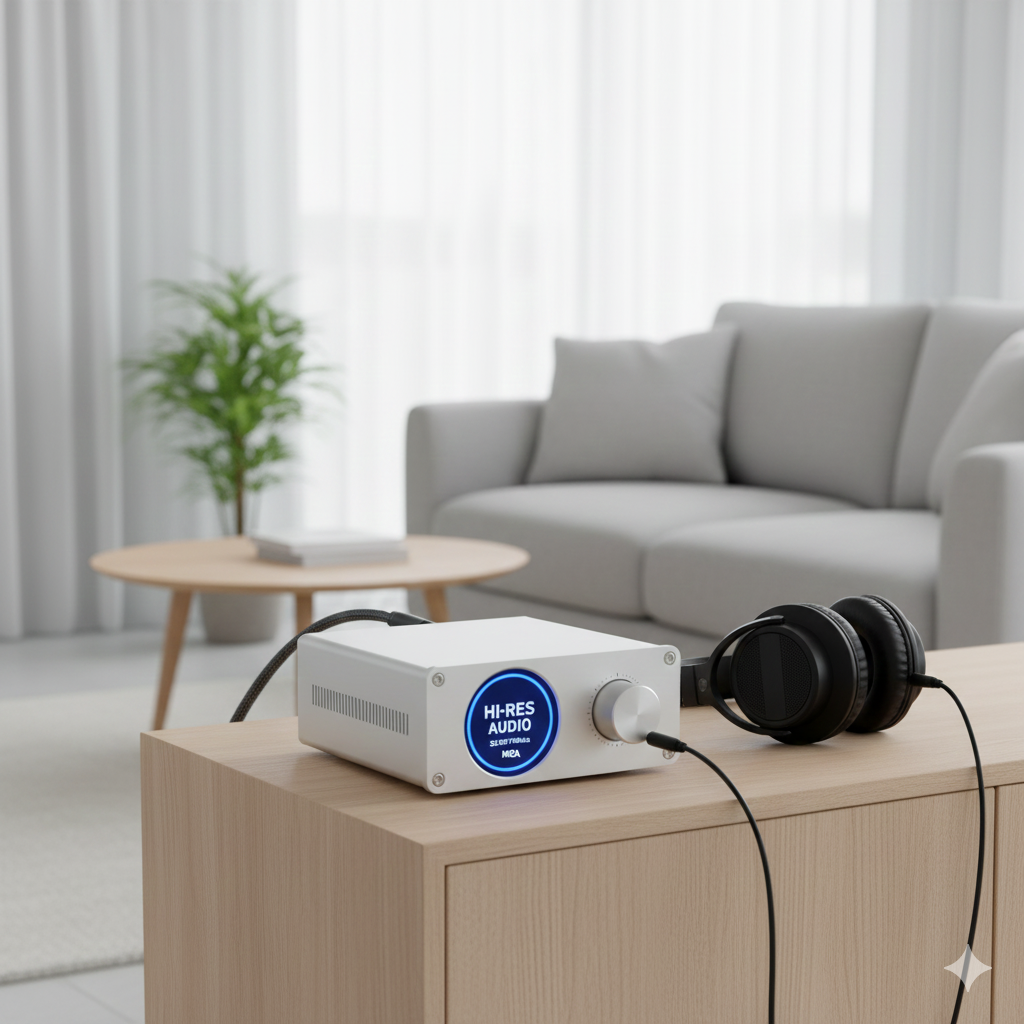
With so many audio devices now including built-in DACs, it’s easy to wonder:
Do I actually need a separate DAC?
The answer depends entirely on your current gear, how you listen, and what sound quality you expect.
Here’s a simple guide to help you decide.
🎧 Short Answer
You may need a DAC if:
- Your audio sounds dull, noisy, or distorted
- You’re using a computer or phone with a poor-quality internal DAC
- You want higher-resolution playback (24-bit/96kHz or more)
- Your amplifier only accepts analog input and your source outputs digital
You don’t need a DAC if your current setup is already clean and enjoyable.
🔍 Signs You Might Need a DAC
1. You Hear Hiss, Static, or Background Noise
Budget laptops, phones, and PCs often have noisy internal DACs.
If you hear:
- Electrical hum
- Static
- USB noise
- Buzzing when moving the mouse
…a DAC can fix it instantly by bypassing the noisy internal audio circuitry.
2. Your Audio Sounds Flat or Lacks Detail
If your music seems:
- Muddy
- Compressed
- Weak
- Lacking dynamics
A better DAC can improve clarity, separation, and detail.
This is most noticeable with:
- Good headphones
- Quality speakers
- High-resolution audio files
3. Your Device Doesn’t Have a Headphone Jack
Modern phones and some laptops don’t include analog outputs.
If your source only has:
- USB
- Optical
- HDMI
…you’ll need a DAC to convert digital audio to analog.
4. You Want Hi-Res Audio Support
If you listen to:
- FLAC
- 24-bit / 96 kHz
- DSD
- Studio-quality masters
Your internal DAC may not support full-resolution playback.
A dedicated DAC ensures:
- Higher dynamic range
- Lower noise floor
- Better accuracy
5. Your Amplifier Requires an Analog Input
If your amplifier or powered speakers only accept RCA or 3.5mm,
but your source device outputs digital, you need a DAC.
Examples:
- Connecting a TV to an analog amp
- Using a PC with powered studio monitors
- Hooking up a gaming console to older audio gear
🎧 Signs You Probably Don’t Need a DAC
1. You Use a Modern Smartphone, Laptop, or CD Player
Most modern devices already include good internal DACs.
You may not notice any benefit from upgrading unless you have high-end listening gear.
2. Your Speakers or Headphones Are Entry-Level
If your listening equipment can’t reproduce fine detail,
a better DAC won’t make a meaningful difference.
3. Your Music Streaming Quality Is Low
If you mainly use:
- YouTube
- Low-bitrate MP3s
- Bluetooth SBC
…a DAC won’t improve what’s not there in the source.
🧪 The Simple Test: Try It and Listen
DAC improvements can be subtle or dramatic depending on your setup.
The best test is comparing two scenarios:
- Device → Headphones/Speakers
- Device → External DAC → Headphones/Speakers
If you hear:
- Better clarity
- More detail
- Wider soundstage
- Lower noise
…then you benefit from a DAC.
If not? You don’t need one.
✅ Final Answer
You need a DAC if your audio sounds noisy, flat, or distorted,
or if your device lacks proper analog outputs.
You might benefit if you use high-quality listening gear or hi-res audio.
But if everything already sounds clean and enjoyable, you’re good—no DAC required.