
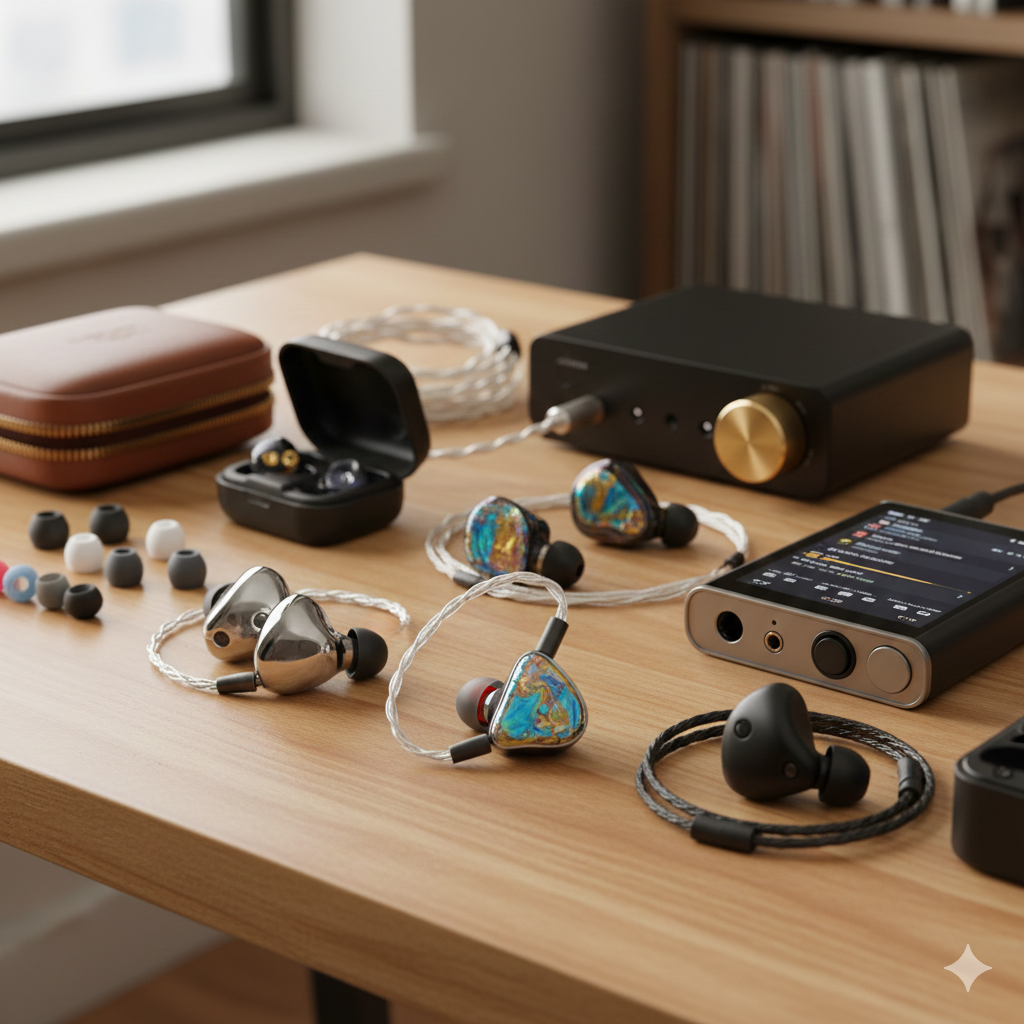
Hearing a buzz, hum, or static noise in your in-ear monitors (IEMs) can instantly ruin your listening experience. Whether you’re using them with a phone, laptop, DAC, or dedicated audio gear, buzzing almost always means something is wrong in the audio chain—not the music itself.
The good news? Most buzzing problems are simple to diagnose and easy to fix. This guide explains every common cause of IEM buzzing and the exact steps to stop it.
1. Electrical Interference (EMI)
IEMs—especially sensitive ones—can pick up interference from nearby electronics.
Common sources
- Smartphones (data/push notifications)
- USB ports on noisy laptops
- Wi-Fi routers
- Bluetooth transmitters
- Power supplies/chargers
Symptoms
- Buzzing that changes when you move your device
- Noise stops when you unplug the charger
- Ticking from mobile radio signals
Fix
- Move your phone away from the cable
- Use a better-shielded dongle or DAC
- Switch USB ports (preferably on the opposite side of the laptop)
- Avoid charging while listening
- Put phone in airplane mode
2. Ground Loop Noise
A ground loop occurs when audio devices share multiple grounding paths—common with laptops, PCs, and desktop amps.
Symptoms
- Constant humming or buzzing
- Noise stops when powering the device on battery
- Buzz changes with mouse movement or system load
Fix
- Unplug your laptop’s charger
- Use a ground loop isolator
- Use a USB isolator for dongles
- Plug all devices into the same power strip
- Try a self-powered DAC/amp
3. Noisy USB or Bad DAC Output
Some USB ports or cheap dongle DACs introduce noise—especially on laptops where USB power isn’t clean.
Symptoms
- High-frequency buzzing or “computer noise”
- Buzzing changes with CPU/GPU load
- Noise appears only on certain USB ports
Fix
- Use a USB port further from the CPU
- Switch to a USB hub with its own power
- Try a different DAC or dongle
- Update your DAC’s firmware
4. Faulty Cable or Loose Connectors
IEM cables and connectors (2-pin or MMCX) can produce buzzing if a connection is weak or oxidized.
Symptoms
- Buzz changes when you move the cable
- Intermittent noise or channel dropouts
- Buzzing only on one side
Fix
- Swap the cable (easiest diagnostic)
- Clean connectors with isopropyl alcohol
- Ensure the cable is fully seated
- Replace worn-out MMCX connectors
5. Bad Output Jack on Your Device
If your source device’s jack is dirty, loose, or worn, it can cause buzzing.
Symptoms
- Buzzing changes when you wiggle the plug
- Works fine on other devices
- Static when plugging/unplugging
Fix
- Clean the jack using alcohol + a cotton swab
- Try another device
- Use a DAC dongle instead of built-in jacks
6. Software Issues
Driver glitches, EQ apps, or high system gain can create noise.
Symptoms
- Buzzing after updates
- Noise only in certain programs
- Distortion at high volume
Fix
- Restart the device
- Reset EQ/DSP settings
- Reduce gain or disable “enhancements”
- Reinstall audio drivers (PC)
7. IEM Sensitivity Interaction
Highly sensitive IEMs may reveal hiss or buzz even with good equipment.
Symptoms
- Buzz at low volume
- Only happens with very sensitive IEMs (EST, BA-heavy models)
Fix
- Use an impedance adapter (e.g., 10–20 ohms)
- Switch to a cleaner DAC
- Lower gain on your amp
8. Hardware Damage
If your IEM’s internal wiring or drivers are damaged, buzzing may be consistent and unavoidable.
Symptoms
- Buzzing never changes
- Noise independent of device or cable
- One side always affected
Fix
- Test with another cable/source
- If still buzzing: contact the manufacturer
- Driver damage typically requires replacement
Quick Troubleshooting Checklist
Try these in order—most buzzing stops before step 4:
- Test on another device
- Swap the cable
- Unplug chargers / move phone away
- Switch USB ports or try another DAC
- Clean jacks and connectors
- Lower gain or reset EQ
If the buzzing continues after these steps, the IEM itself may need repair.
Final Thoughts
Buzzing in IEMs is usually caused by interference, grounding issues, noisy outputs, or cable problems—not the IEMs themselves. With the right isolation, proper cable care, and a clean audio source, your IEMs should deliver quiet, distortion-free playback.