
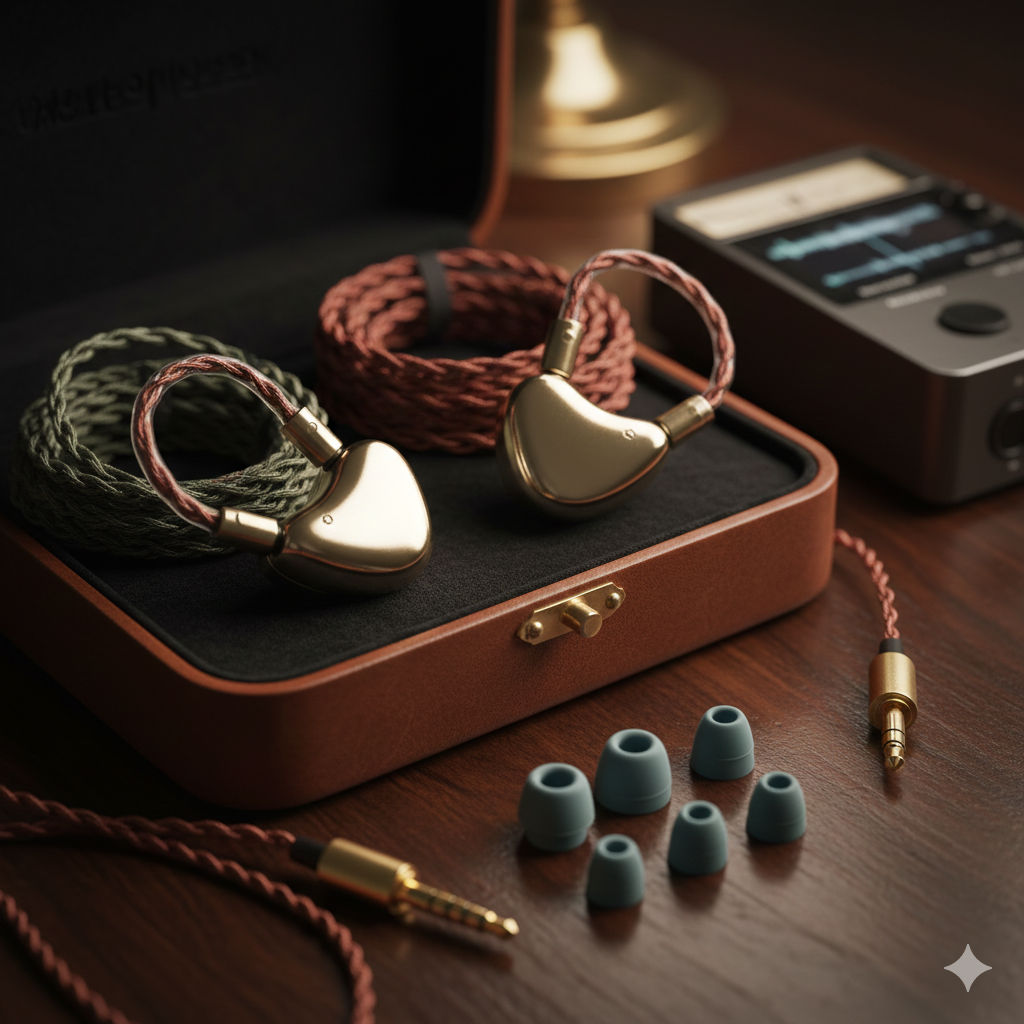
If your in-ear monitors (IEMs) sound muffled, dull, boomy, or unclear, you’re not alone. Many listeners experience this, even with high-quality IEMs.
The good news?
Most causes are simple, common, and easily fixable.
This guide explores the most common reasons IEMs sound muffled—and what you can do to restore clarity.
1. Poor Seal or Fit (The #1 Cause)
A muffled or veiled sound is most often caused by a bad seal in your ear canal.
When an IEM doesn’t seal properly:
- sound leaks out
- bass booms or becomes muddy
- treble becomes muted
- everything sounds “far away”
Why it happens:
- eartips too small or too large
- wrong tip shape (wide-bore vs narrow-bore)
- shallow insertion depth
- mismatched ear canal sizes
Fix:
- try different tip sizes
- switch to foam tips for better sealing
- experiment with deeper insertion
- try different materials (silicone, hybrid, memory foam)
A proper seal instantly improves clarity, treble, and detail.
2. Earwax Blocking the Nozzle or Filters
IEMs sit inside your ear canal, which naturally produces wax. Over time, wax can block:
- the nozzle
- the mesh filter
- the tubes in multi-driver IEMs
This severely reduces treble, making everything sound muddy, quiet, and muffled.
Fix:
- clean the nozzle with a soft brush
- use a wax removal tool (if included)
- replace clogged filters (for Etymotic, Shure, etc.)
Always clean gently to avoid damaging drivers.
3. Earwax or Moisture in Your Ears
If wax is blocking your ear canal, sound becomes:
- boomy
- blurred
- muffled
- uneven between left/right
Moisture from sweat or humidity can cause similar effects.
Fix:
- clean ears gently (avoid cotton swabs)
- let ears dry after showering before using IEMs
Audiophiles often confuse earwax muffling with “poor tuning”—it happens to everyone.
4. Wrong Ear Tips for Your IEM
Not all eartips work with all IEM designs.
The wrong tips can make an IEM sound:
- darker
- boomy
- less detailed
- hollow
For example:
- Narrow-bore tips = more bass, less treble → muffled sound
- Wide-bore tips = more treble and air
Fix:
Try different tip shapes:
- wide-bore tips (SpinFit W1, Divinus Velvet) for clarity
- deeper-fitting tips (SpinFit CP155, TRN T eartips)
A tip swap can completely change the sound.
5. Underpowered Source or Weak Output
Some IEMs require more current than others.
If your phone or weak dongle can’t power them properly, you may hear:
- muddy bass
- low dynamics
- softened treble
- compressed sound
This can feel like a “blanket over the music.”
Fix:
- use a better dongle DAC
- pair with a low-noise portable amp
- avoid laptop onboard audio
Power affects clarity more than many people realize.
6. High Output Impedance from Your Source
If your source has a high output impedance, it can change your IEM’s frequency response—especially with:
- multi-driver hybrids
- low-impedance IEMs (e.g., 8Ω–16Ω)
This can cause:
- bloated bass
- recessed mids
- rolled-off treble
→ resulting in a muffled signature.
Fix:
Use sources with output impedance < 1 ohm for best clarity.
7. IEM Tuning Is Simply Warm or Dark
Some IEMs are designed to be:
- warm
- bass-heavy
- relaxed
- non-fatiguing
This tuning intentionally rolls off treble, which some listeners may interpret as muffled.
Fix:
- apply EQ to raise the upper mids/treble
- switch to a more neutral-bright tuned model
This is a design choice, not a fault.
8. Damaged Drivers or Moisture Inside
Moisture buildup, sweat intrusion, or physical damage can cause a loss of clarity.
Symptoms include:
- muffled mids and highs
- uneven sound between left/right
- crackling or distortion
Fix:
- dry them overnight with silica gel
- avoid using IEMs during intense sweat exposure unless rated for moisture
- consider warranty repair if damage persists
9. Incorrect Insertion Angle
If the angle is wrong, treble can reflect inside the ear canal instead of entering directly.
This can cause:
- dull treble
- reduced detail
- hollow mids
Fix:
- rotate the IEM slightly forward or upward
- push for a deeper but comfortable insertion
- adjust the cable over-ear guide
Small adjustments can make big differences.
Final Thoughts: Why Do IEMs Sound Muffled?
IEMs usually sound muffled because of seal issues, earwax, eartips, or source problems—not the IEM itself.
In most cases, the solution is simple:
✔ Fix the seal
✔ Clean the IEM nozzles
✔ Change eartips
✔ Check your source power and output impedance
Once these factors are corrected, your IEMs will regain the clarity, detail, and openness they were designed to deliver.