
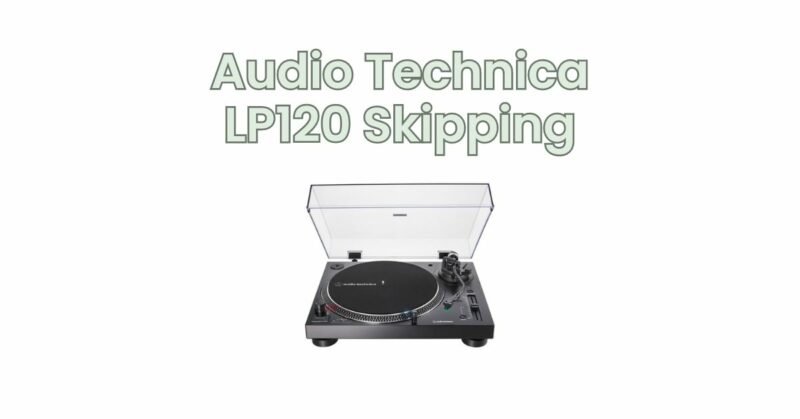
The Audio Technica LP120 turntable is widely acclaimed for its exceptional sound quality and professional-grade features. However, even the most reliable turntables can encounter occasional issues, such as skipping. Skipping occurs when the stylus momentarily loses contact with the record, resulting in an interruption in playback. If you are experiencing skipping issues with your Audio Technica LP120, don’t worry! In this article, we will explore common causes of skipping and provide troubleshooting tips to help you resolve the issue and get your turntable back on track.
- Dust and Debris: One of the most common causes of skipping is dust and debris on the record or stylus. Even small particles can disrupt the smooth tracking of the stylus, causing it to momentarily lose contact with the grooves. Ensure that your records are clean and free from dust by using a carbon fiber brush or an anti-static record cleaning brush before each play. Additionally, regularly clean the stylus with a stylus brush or a dedicated stylus cleaning solution to prevent buildup.
- Tracking Force: Improper tracking force can also contribute to skipping. The tracking force is the downward pressure exerted by the stylus on the record surface. If the tracking force is set too light, the stylus may not have enough pressure to maintain consistent contact with the grooves, resulting in skipping. Consult the LP120’s user manual for the recommended tracking force range and use a stylus force gauge or a tonearm scale to ensure accurate calibration.
- Tonearm Alignment: Incorrect tonearm alignment can also cause skipping issues. A misaligned tonearm can lead to uneven tracking and result in the stylus skipping across the record. Use an alignment protractor or seek professional assistance to ensure the tonearm is properly aligned with the record grooves.
- Worn or Damaged Stylus: A worn-out or damaged stylus can cause skipping as it struggles to maintain proper contact with the record grooves. Inspect the stylus under magnification for signs of wear or damage, such as a bent or broken tip. If necessary, replace the stylus with a compatible, high-quality replacement that matches the LP120’s specifications.
- Surface Issues and Warped Records: In some cases, skipping can be attributed to surface issues with the record itself, such as scratches, warping, or pressing defects. Inspect your records for visible damage and consider playing them on a different turntable to determine if the issue persists. If a particular record consistently causes skipping, it may require professional restoration or replacement.
- Mechanical and Setup Issues: Check for any mechanical issues or setup errors that could contribute to skipping. Ensure that the turntable is placed on a stable surface, free from vibrations. Verify that all components, such as the platter, tonearm, and anti-skate, are securely tightened and properly adjusted. If you suspect a mechanical issue, consult Audio Technica’s customer support or seek assistance from a qualified technician.
Conclusion: Skipping issues on your Audio Technica LP120 turntable can be frustrating, but with proper troubleshooting, most problems can be resolved. Clean your records and stylus regularly, ensure accurate tracking force and tonearm alignment, and inspect the stylus for wear or damage. Address any surface issues with the records themselves and check for mechanical or setup issues that may contribute to skipping.
By following these troubleshooting tips and maintaining your LP120 turntable properly, you can restore smooth playback and enjoy the exceptional sound quality it offers. If the issue persists or you require further assistance, consider reaching out to Audio Technica’s customer support or consulting a professional technician who can diagnose and resolve the skipping issue with precision.