
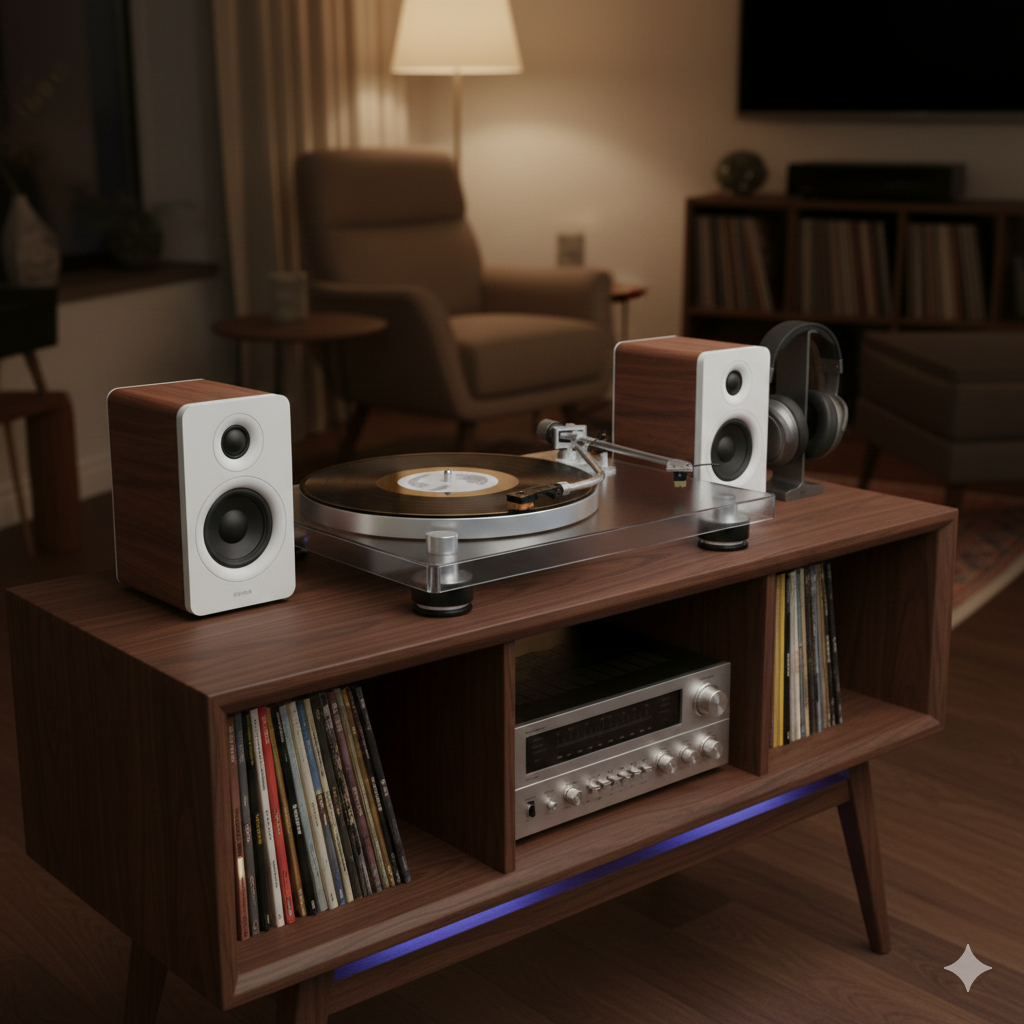
Crackling, popping, and excessive surface noise can ruin the joy of vinyl playback.
If your turntable sounds noisy, you’re not alone—and in most cases, the cause is simple, fixable, and not a sign of broken equipment.
Let’s break down the most common reasons your turntable sounds crackly—and how to fix them.
What “Crackly” Sound Actually Means
Crackling usually refers to:
- Random pops and clicks
- Static-like background noise
- Sudden sharp ticks between musical passages
These sounds can come from the record, the stylus, the turntable setup, or the environment.
1. Dirty Records (The #1 Cause)
Dust, debris, and oils sit deep in the grooves.
- Stylus hits dirt instead of clean vinyl
- Noise increases dramatically
- Even new records can be dirty
Fix:
Clean records properly using a carbon fiber brush before every play and wet-clean regularly.
2. Static Electricity
Static buildup causes:
- Loud crackles
- Records sticking to mats
- Increased dust attraction
Static is especially common in dry environments.
Fix:
Use anti-static brushes, inner sleeves, and maintain moderate room humidity.
3. Dirty or Worn Stylus
A stylus acts like a tiny plow.
- Dust clings to the tip
- Worn styli lose their proper shape
- Damage can become permanent
Fix:
Clean the stylus gently and replace it at the recommended interval.
4. Poor Tracking Force Setup
Incorrect tracking force causes mistracking.
- Too light: stylus bounces in the groove
- Too heavy: groove damage and distortion
Both result in increased noise.
Fix:
Set tracking force using a proper scale and follow cartridge specs.
5. Cartridge Misalignment
If the cartridge isn’t aligned correctly:
- Stylus doesn’t sit properly in the groove
- One channel may sound noisier
- Inner grooves suffer most
Fix:
Use a cartridge alignment protractor and double-check setup.
6. Low-Quality or Worn Records
Some crackle is simply:
- Pressing defects
- Groove wear from previous owners
- Damage from poor equipment
Not all noise can be fixed.
Fix:
Inspect records carefully and manage expectations with used vinyl.
7. Cheap or Inadequate Turntables
Entry-level or suitcase-style turntables often:
- Track too heavily
- Have poor tonearm control
- Lack proper anti-skate
This increases surface noise—and damages records.
Fix:
Upgrade to a properly designed turntable if possible.
8. Phono Stage and Grounding Issues
Electrical noise can mimic crackle.
- Poor grounding causes hum and noise
- Bad cables introduce interference
Fix:
Ensure proper grounding and use quality, well-shielded cables.
9. Dry or Noisy Platter Bearings
Mechanical noise can travel up the system.
- Dry bearings increase rumble
- Noise becomes more noticeable during quiet passages
Fix:
Lubricate the platter bearing according to manufacturer guidance.
What Crackle Is Normal?
Some noise is part of vinyl’s character:
- Occasional pops on used records
- Light surface noise between tracks
Vinyl will never be completely silent—but it shouldn’t be distracting.
Quick Troubleshooting Checklist
- Clean the record
- Clean the stylus
- Check tracking force
- Check cartridge alignment
- Reduce static
- Confirm grounding
Most crackle issues disappear after these steps.
Final Takeaway
Crackly sound is usually a setup or cleanliness issue—not a broken turntable.
With proper care and adjustment, vinyl can sound:
- Clean
- Warm
- Engaging
- Surprisingly quiet
Fix the basics, and let the music shine through 🎶